Table of Contents
- Key Takeaways
- Why AI Tools Matter Now
- Top AI Tools for Graphic Designers
- The Human-AI Creative Balance
- Navigating AI Design Challenges
- Conclusion
- Frequently Asked Questions
- What are the main benefits of using AI tools for graphic designers?
- Are AI design tools suitable for beginners?
- Can AI replace human creativity in graphic design?
- How can I integrate AI tools into my design workflow?
- What should I consider before choosing an AI tool for design?
- Are AI design tools safe to use with client data?
- Do AI design tools support collaboration with teams?
Key Takeaways
-
AI tools are changing graphic design by stretching creative potential and speeding project workflows.
-
By automating drudge work, AI grants designers more space to dream up fresh concepts, brainstorm with peers, and cultivate their signature flair.
-
Top AI design tools in 2026 back everything from generative imagery to 3D asset creation, helping designers keep up with trends and produce superior work.
-
Integrating AI into your workflow includes selecting compatible software, applying custom models, and utilizing project management tools to facilitate team communication and efficiency.
-
Balancing human creativity with AI support ensures your designs stay genuine while gaining from innovation, automation and increased productivity.
-
Ethical use, copyright awareness, and data privacy are key. Designers should stay informed, safeguard client info, and employ AI responsibly in creative works.
Empower teams to speed up work, reduce expenses, and enhance project quality. New AI features can simplify editing, layout, and branding to an incredible degree, even for a small shop or a bustling agency.
Many designers are turning to AI to stay ahead of deadlines and shifting trends. To select the appropriate tools, it’s useful to understand what’s most effective for practical demands. What shines in 2026? Find out in this article.
Why AI Tools Matter Now
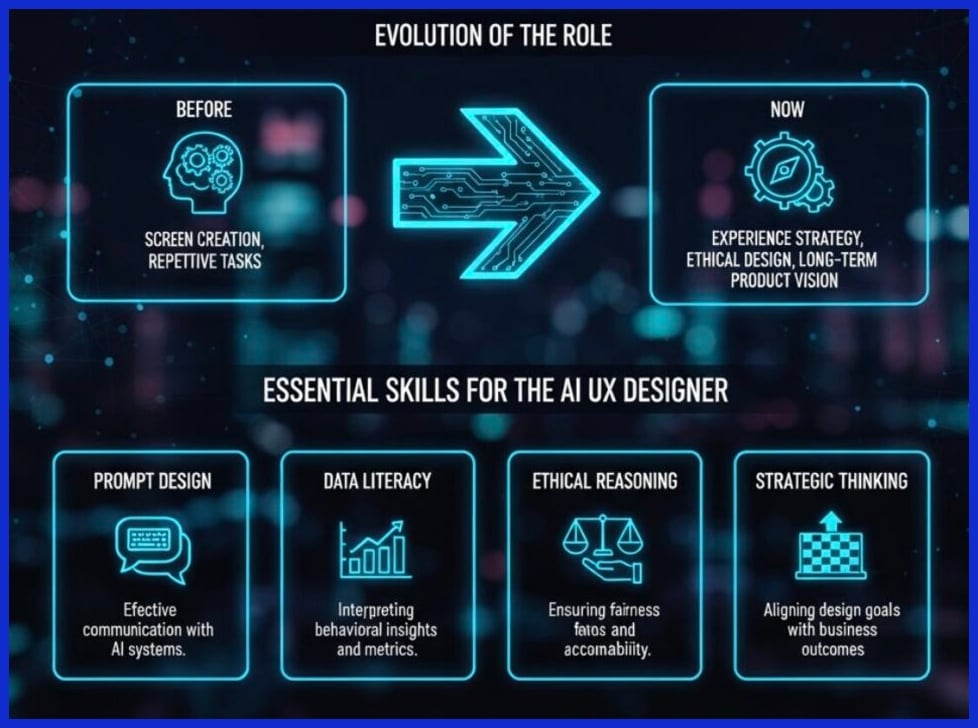
AI tools have transformed design teams and the way they work and generate. From freelancers to large agencies, these tools are now fundamental to how work gets accomplished. By 2026, the majority of creators—86%—report using creative AI on a daily basis. This rapid adoption underscores the significant impact that AI is having on the creative sphere.
Tools can now assist with design layout, provide real-time feedback, and even rewrite snippets of copy, all while increasing team productivity. For graphic designers, it translates into more time to be creative and less time spent on mind-numbing busy work.
Creative Expansion
AI design tools make it easy to rapidly visualize your ideas. Designers can receive suggestions for new visual concepts or styles, helping them escape creative ruts. With AI picture generators, for example, teams can experiment with different aesthetics, from daring fonts to custom color palettes, without having to begin from scratch each time.
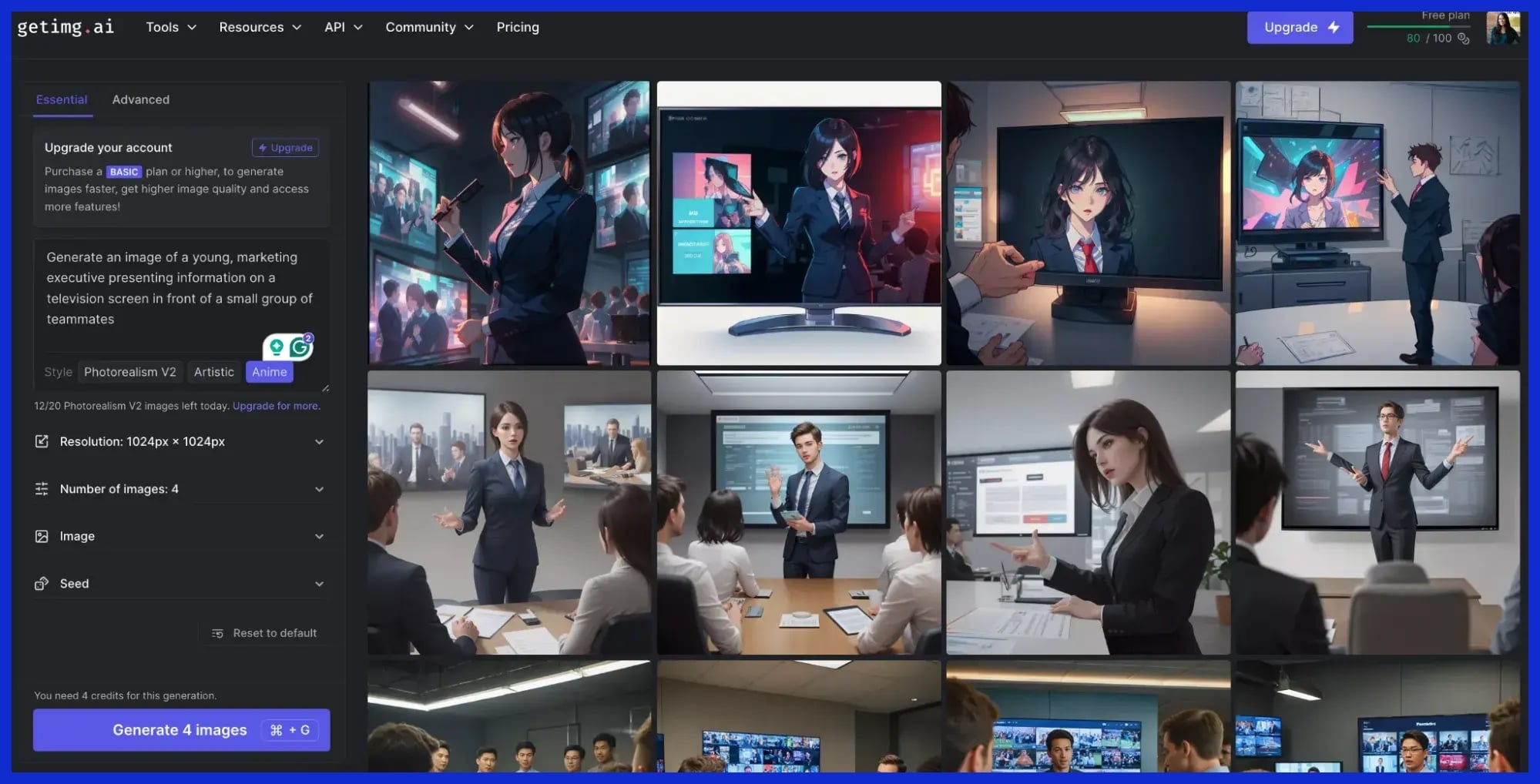
These tools assist designers in identifying emerging trends and maintaining the cutting edge of their work. In practice, an AI could propose a layout style favored by leading brands or color palettes dominating worldwide campaigns.
At Graphically.io, we fine-tune the ideas for each client using AI, giving them something that feels tailored to them. This keeps designs from becoming stale for small business owners and agencies alike.
Workflow Velocity
AI tools accelerate the entire design process. Whether it was building mockups or first drafts, teams were able to shave projects in half by automating these boring tasks. Even rudimentary things like real-time layout suggestions or instant spacing fixes accumulate to hours a week.
For instance, AI tools can handle eighty percent of a social media calendar draft, freeing designers to dig into the fun, creative specifics. On teams, AI monitors tasks and feedback, so everyone is aware of what’s coming and nothing slips through.
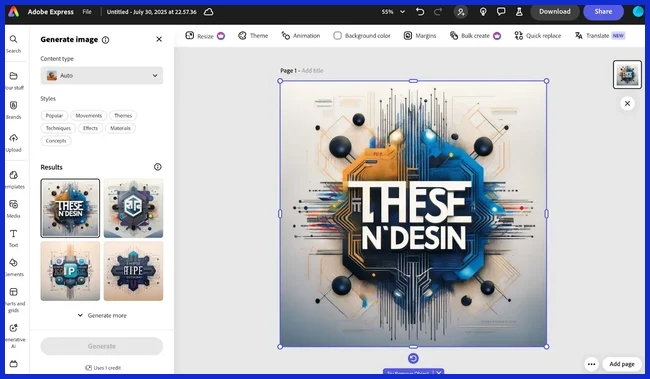
This keeps projects moving ahead at lightning speed and clients receiving their work faster. At Graphically.io, our quality management team employs AI to detect potential problems and ensure a smooth experience for our clients around the globe.
Task Automation
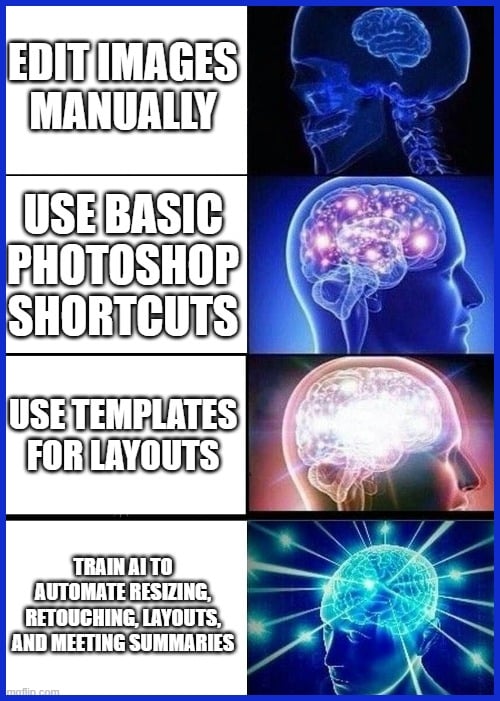
AI makes it simple to eliminate tedious, repetitive design tasks. Designers, for instance, can train AI to optimize images, generate layout grids, or retouch photos to reveal more of their creative work. Editing tools use AI to increase speed, enabling teams to polish assets in minutes rather than hours.
Some examples include:
-
Bulk resizing images for different platforms
-
Automatically generating consistent layouts
-
Removing image backgrounds in one click
-
Fixing alignment and spacing mistakes instantly
With AI-powered task planning, projects remain structured. Teams can prioritize, manage feedback, and even summarize meetings so nothing slips through the cracks. All these little victories accumulate, making the entire workflow cleaner.
Top AI Tools for Graphic Designers
AI tools that are transforming design work in 2026. They save time, inspire creativity, and enhance productivity. More than 80% of creatives use AI from brainstorms to final files. The best AI tool for you will depend on your specific needs, so consider features, price, and compatibility with your existing workflow.
Here’s a brief table to highlight what some of the top AI design tools are capable of.
|
Tool Type |
Key Features |
Notable Capabilities |
Typical Pricing |
|---|---|---|---|
|
Generative Imagery |
Text-to-image, bulk image gen, style transfer |
High accuracy, fast rendering |
Free to paid, $20–$100/mo |
|
Intelligent Vectoring |
Raster-to-vector, auto-simplify, batch conversion |
AI suggestions, layer management |
Free trial, $15–$80/mo |
|
UI/UX Prototyping |
One-click prototyping, filler text, flow mapping |
AI-driven layouts, real-time preview |
Starts $10/mo |
|
3D Asset Creation |
3D modeling, text-to-3D, asset library |
Quick environment gen, easy export |
Free–$120/mo |
|
Motion Graphics |
AI animation, auto timing, video gen |
Bulk edits, seamless integration |
Free–$99/mo |
1. Generative Imagery
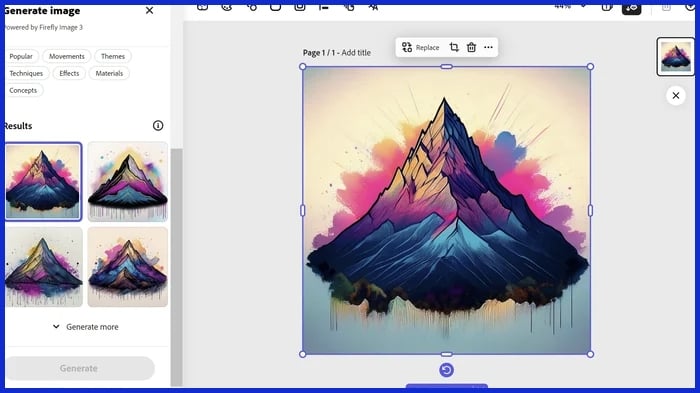
AI image generators now allow graphic designers to effortlessly transform brief text prompts into high-resolution digital images. These tools can create brand assets, social posts, and merch graphics with incredible accuracy in text rendering and anatomy. Most offer bulk generation, making social media calendars or ad sets an absolute breeze.
Top Tools:
Midjourney
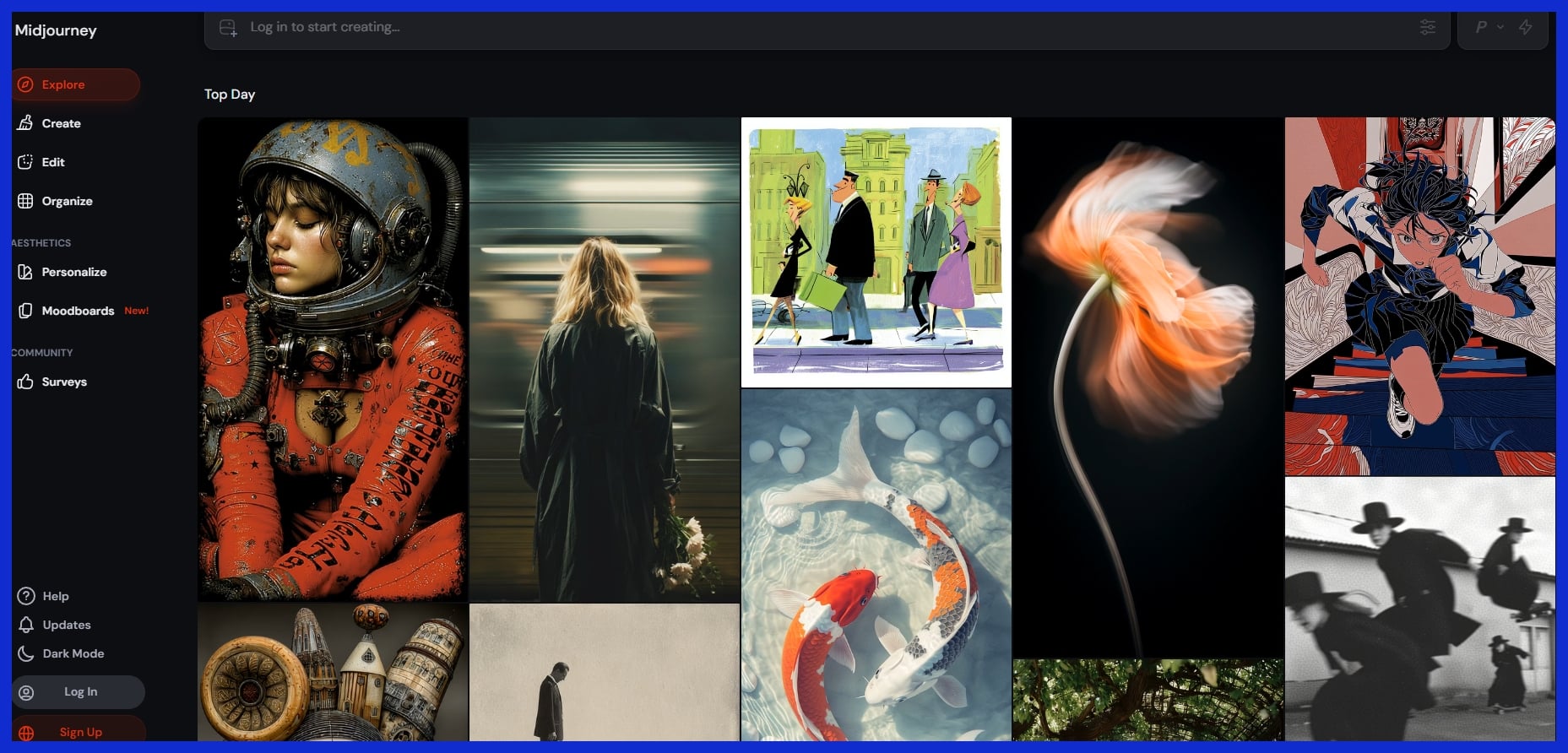
Known for its breathtaking, hyper-realistic, and highly stylized outputs. It is perfect for concept art, mood boarding, and generating bold, foundational visuals when you need high aesthetic quality.
Adobe Firefly
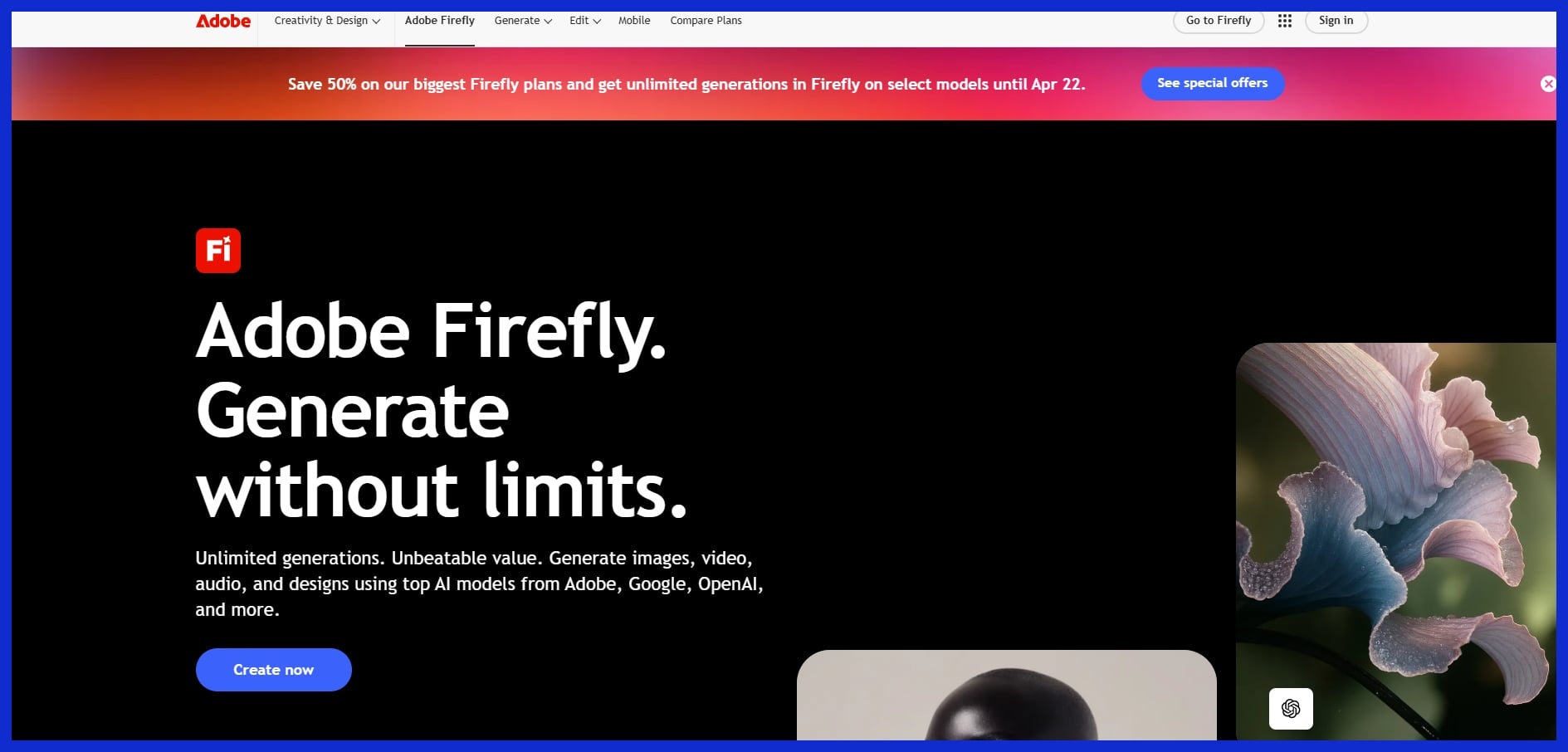
Built directly into Photoshop and Illustrator. It offers commercial safety (trained on licensed assets) and seamless workflow integration, allowing designers to generate fills, expand backgrounds, and create text effects without leaving their canvas.
2. Intelligent Vectoring
AI vector tools now convert images into clean, scalable artwork within seconds. No more re-tracing logos or icons by hand. Top tools encompass batch conversion and layer renaming to keep large projects organized, completing branding or print jobs significantly faster and with fewer errors.
Top Tools:
Vectorizer.AI
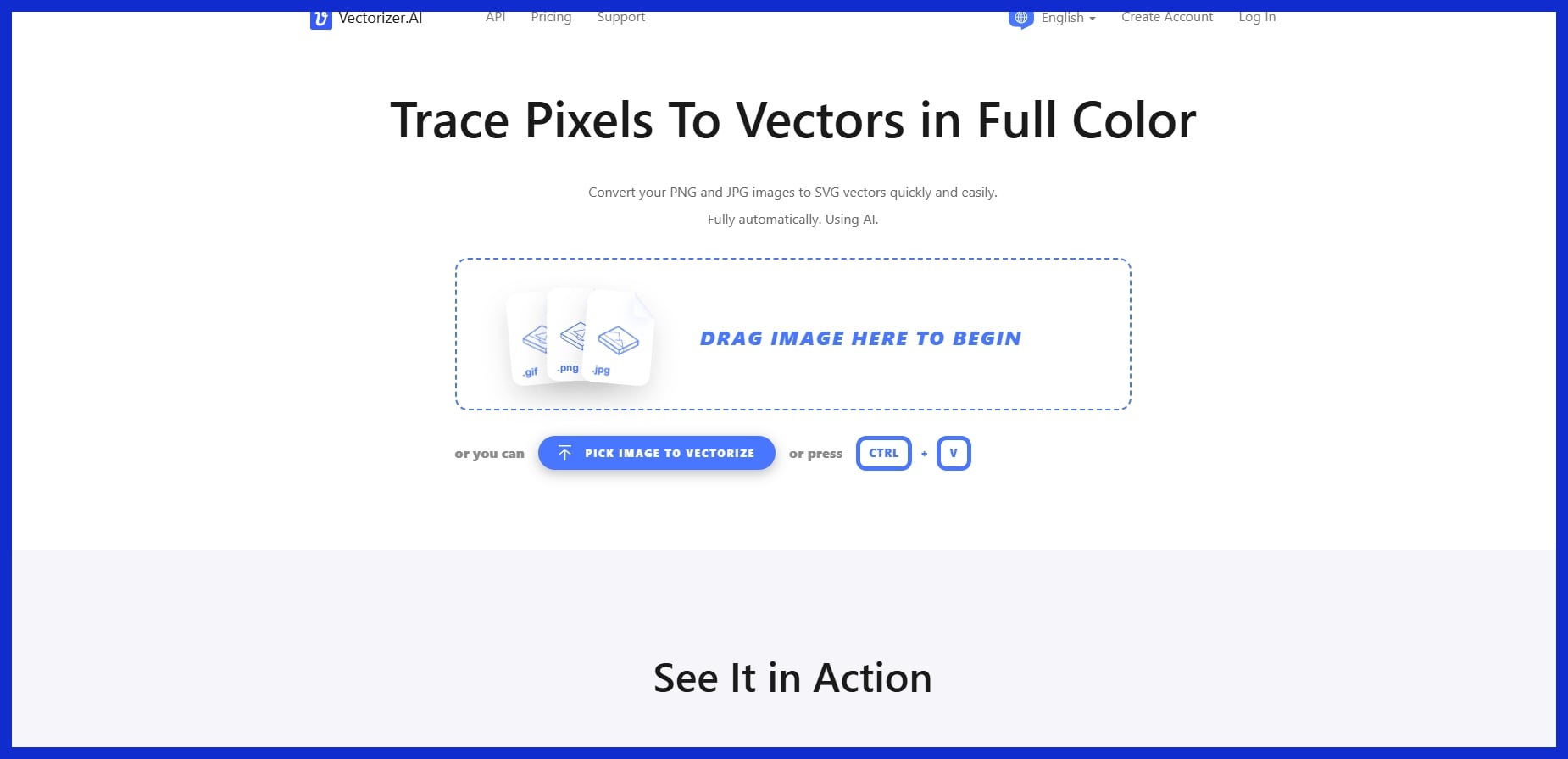
A standalone tool that uses deep learning to trace pixels into full-color vectors. It saves hours of manual pen-tool tracing by converting messy jpegs or sketches into crisp, editable SVGs with clean geometric curves.
Illustrator’s Generative Recolor
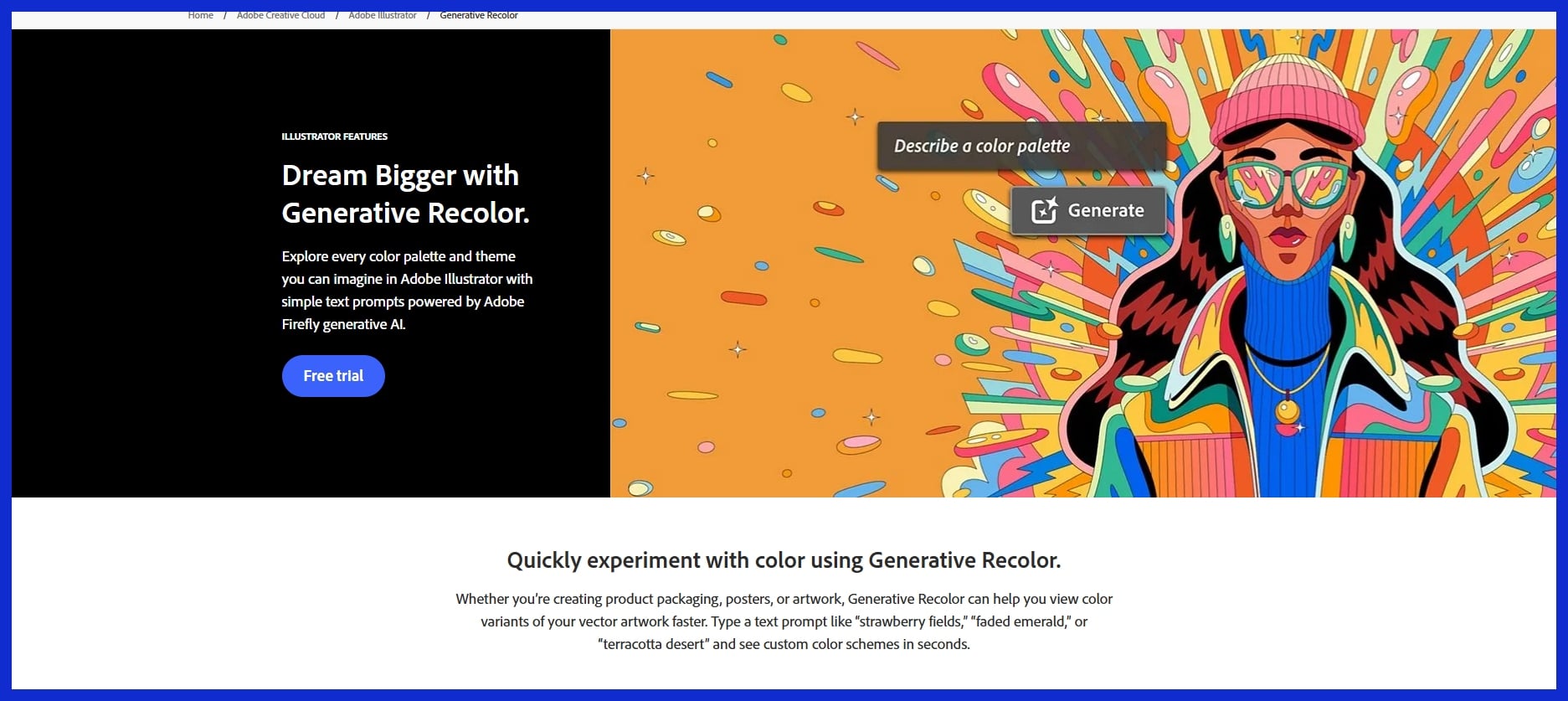
An AI feature natively built into Adobe Illustrator. It allows designers to instantly explore infinite color palettes for their vector graphics using simple text prompts, speeding up the branding iteration process.
3. UI/UX Prototyping
Prototyping tools powered by AI allow designers to create wireframes and test flows with a click. They can complete copy, propose layouts, and generate screen maps for sites or apps. This translates into quicker feedback loops and less expensive errors.
Top Tools:
Framer AI
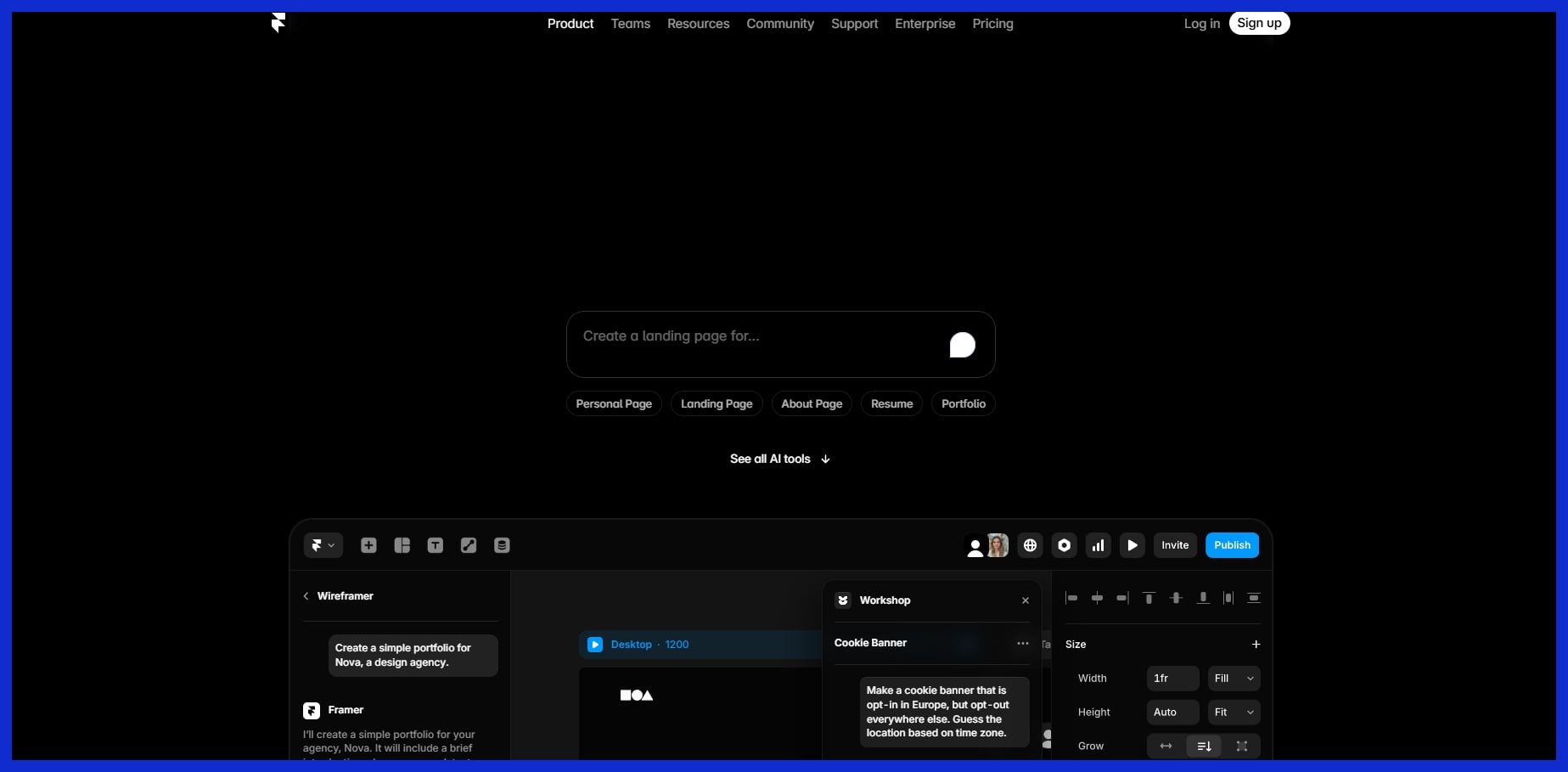
A platform that generates functional website layouts from a single text prompt. Graphic designers can bypass coding entirely, mocking up interactive, responsive landing pages in seconds to present to clients.
Uizard
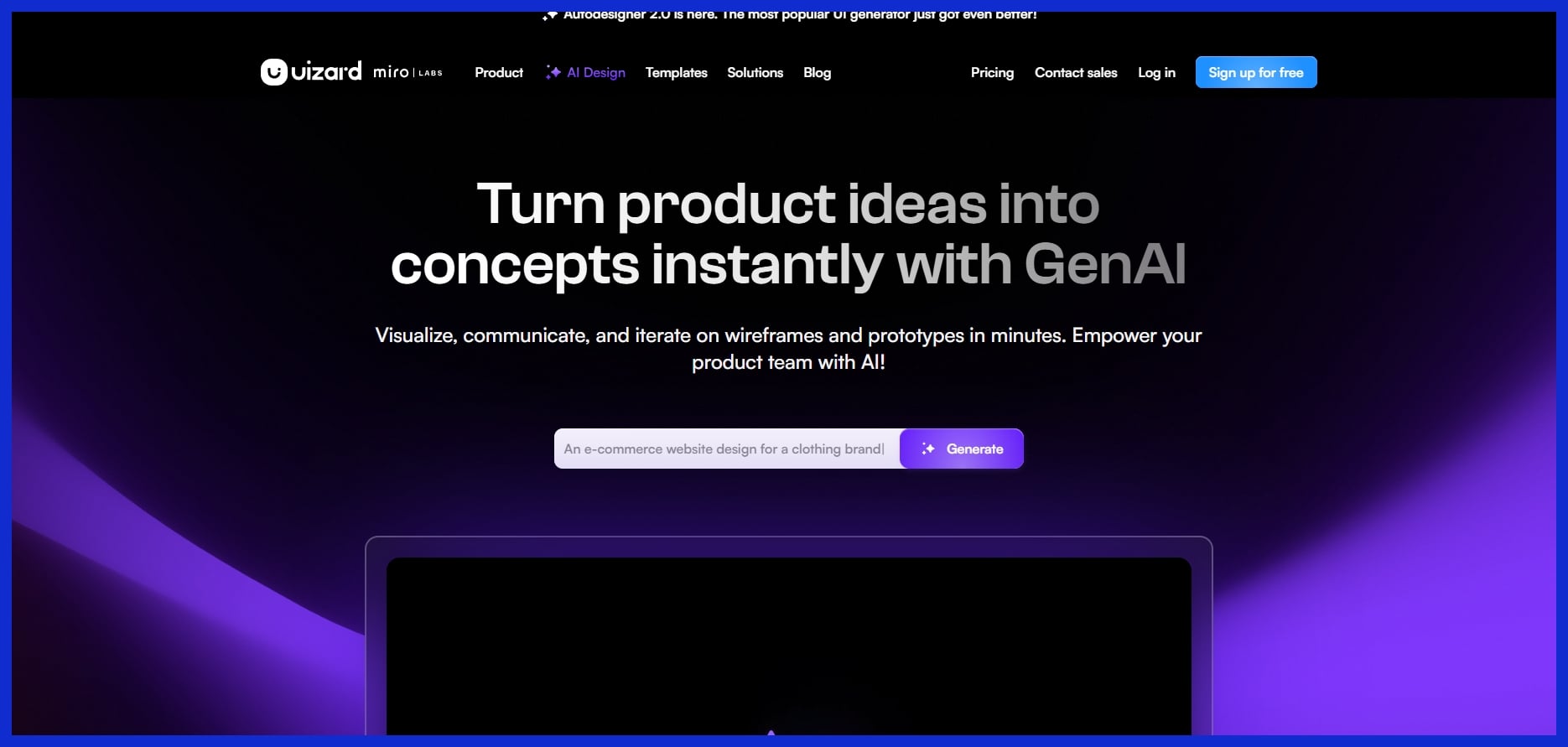
An AI UI design tool focused on rapid wireframing. It can scan hand-drawn sketches or screenshots and instantly convert them into editable digital mockups, drastically reducing the time between the whiteboard and the screen.
4. 3D Asset Creation
AI in 3D design enables artists to generate models and scenes from text or rough sketches. They reduce the skill barrier, enabling even 2D amateurs to inject 3D into their work for commercials, games, and trailers.
Top Tools:
Spline AI
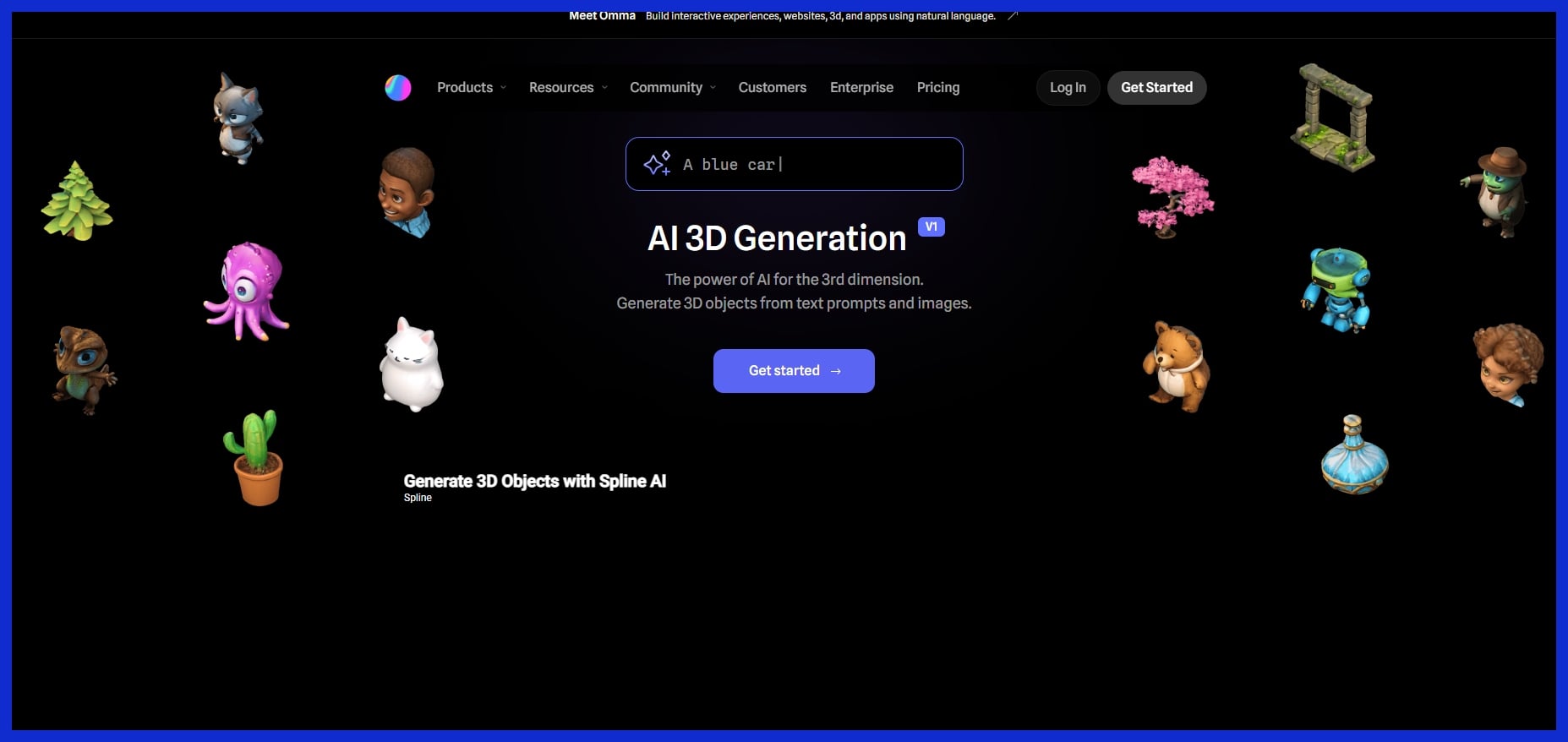
A collaborative, web-based 3D design tool powered by AI. Designers can generate 3D objects, apply textures, and create lighting setups using text prompts, making 3D accessible without needing to learn complex software like Blender.
Luma AI
Specializes in NeRF (Neural Radiance Fields) and text-to-3D generation. It allows designers to quickly generate 3D assets to drop into graphic layouts or product mockups, speeding up idea experimentation.
5. Motion Graphics
AI tools for motion graphics automate the difficult aspects of animation. You can cue timing, effects, and even entire video sequences with way less work. Advanced editors provide integrated workflows so you can transition assets from static to animated easily.
Top Tools:
Runway (Gen-2 / Gen-3)
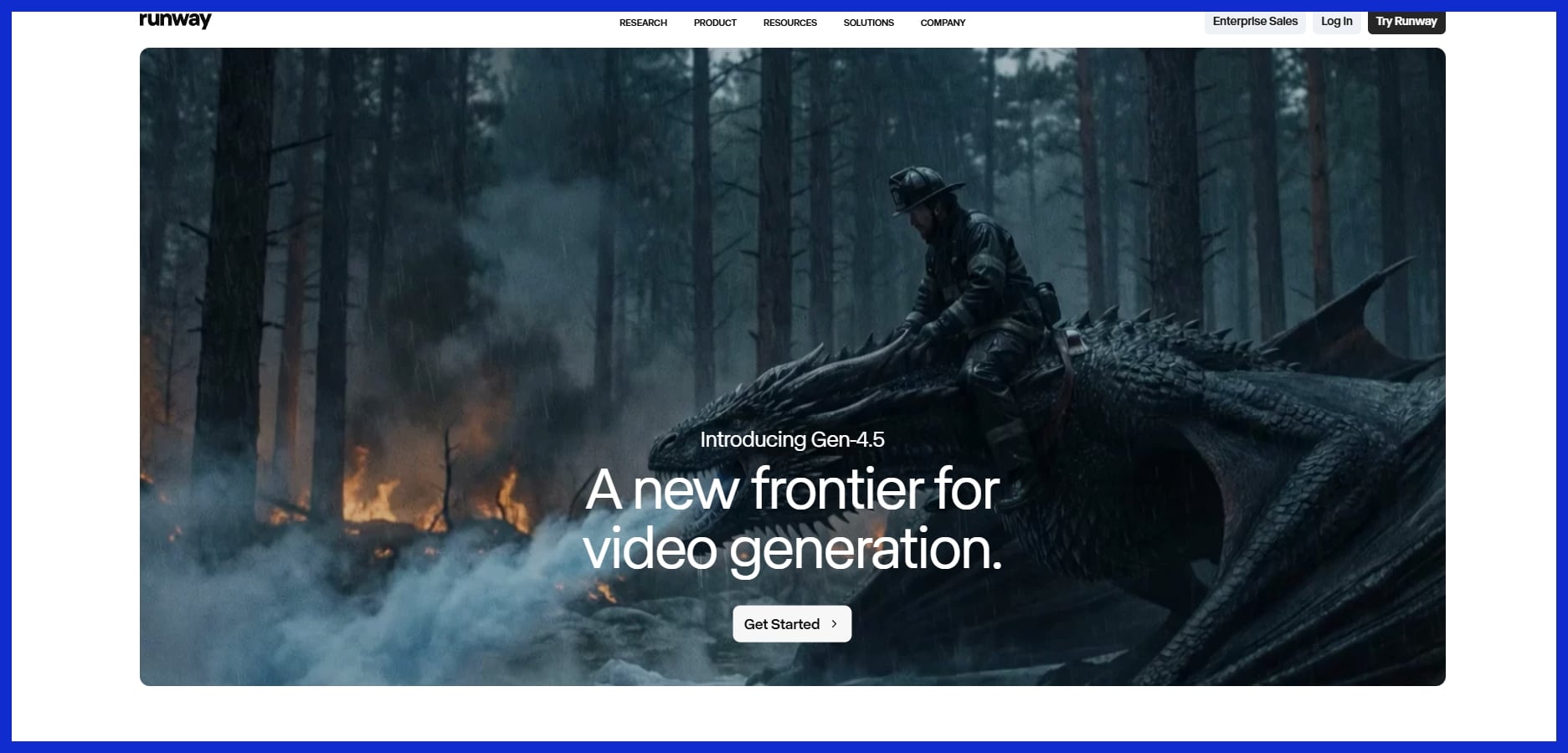
A powerhouse for generative AI video. Designers can animate static images, generate b-roll from text, or apply stylistic filters to existing video, perfect for creating dynamic social media ads quickly.
LottieFiles AI
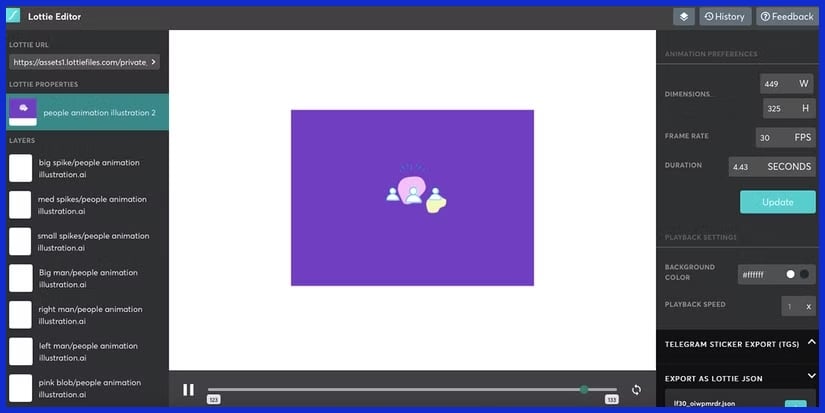
Brings AI to vector animation. It helps designers easily create lightweight, animated assets for apps and websites without needing deep expertise in After Effects timeline keyframing.
The Human-AI Creative Balance
AI tools are now in most graphic designers’ workflow — roughly 70% use them for brainstorming, generating images, or performing mundane tasks on a monthly basis. The true worth of AI is not to replace the designer. Instead, AI excels as an assistant, providing inspiration, efficiency gains, and gap-filling.
For creative agencies, small business owners, and consultants, the ideal combination of human vision and AI speed is now a necessity rather than a luxury. This equilibrium allows every project to maintain its distinctive voice while still tapping into new tech’s velocity and reach. The trick is to treat AI as a sidekick, not the hero. Maintaining this balance ensures the final design comes across as human, not just clever or efficient.
Your Unique Style
Discovering your own style is still at the core of great design. AI tools can generate concepts, color schemes, image arrangements, or even new art types that you may not have considered on your own. For most, these are merely initial pointers.
Take an AI-made color palette and modify it so it matches your brand’s mood or your desired communication. Some design tools will even recommend shapes or layouts for things like slides and product images, which can be helpful but tend to lean weird or awkward if you don’t inject some humanity into it.
The true art is blending these AI results back into your original vision. Test out some different AI designs and then blend the winning elements to suit your own aesthetic. This keeps your work fresh and still authentic to you. Even with AI, your eye and taste are what count.
Strategic Prompting
It’s good prompting that makes AI sparkle. When you understand how to request what you desire, you receive greater outcomes. Try being clear and detailed: list the style, color, mood, or even the feeling you want the image to give.
Experiment with a variety of prompts to discover what ignites the AI. Some designers craft their own prompt recipes that work consistently, while others experiment with new concepts for every project. AI can aid propose, but you still have to examine if each concept aligns with your objectives.
Think about it like a junior designer—you direct, you select, you mold. The more you play with prompts, the better things get.
Final Polish
AI editing tools accelerate those final steps by fixing colors, sharpening images, or proofing for overlooked elements. Certain tools, such as those found at Graphically.io, provide rapid adjustments and integrated quality assurance. This means less time on busywork.
You must verify it all yourself. Its AI tool makes quirky decisions, like distorted fonts or skewed objects, which may get passed along if you’re not paying attention. A robust review process is essential.
Leverage AI to catch mistakes and always review it with your own eyes before you publish. It’s this blend of bot and brain that makes your designs hungry, dependable, and wired for the wild.
AI tools are reshaping graphic design, enabling small teams and even solo designers to punch above their weight. Over 86% of creators now employ AI in their daily work, but this transition introduces fresh challenges. Integration has its perks, such as speedier workflows, quick drafts, and layout advice, but it also prompts hard copyright, ethics, and privacy questions.
Grasping these problems enables us all, from founders to agency chiefs, to extract maximum value from AI without compromising quality, trust, or safety.
Copyright Concerns
Copyright laws surrounding AI-generated images and content remain ambiguous in most jurisdictions. Certain nations regard AI outputs as belonging to the public domain, whereas others might consider the prompt’s originator as the proprietor. This gray zone is dangerous, particularly for agencies servicing clients remotely from other regions.
Designers must keep abreast of these laws or consult with legal counsel when incorporating AI-generated components. Guarding your own work is important. AI tools remix and reuse public data. This makes it difficult to demonstrate design provenance or direct where your work lands.
To stay secure, watermark important assets, retain source files, and don’t upload private art to AI platforms that save user data. It’s good practice to credit the human designer as well as the AI tool when you submit work to clients or creative platforms. This goes a long way to establish the proper expectations and avert later conflicts over ownership.
Ethical Use
Ethics are more important than ever in design. AI may generate employment but redefine positions, in which certain work is machine-performed. This transition can liberate creative work, but it forces designers to evolve and acquire new skills.
Clients want to know what percentage of a design was created by human hands and what percentage was created by AI. Being candid about your process keeps trust robust.
-
Always disclose when a design was AI-assisted.
-
Give credit to AI tools and platforms used.
-
Avoid copying or closely imitating existing designs.
-
Periodically check AI tool configurations for bias or offensive material.
Data Privacy
Data privacy is a primary concern for teams dealing with client data. If you use a platform, verify whether it complies with GDPR. Opt for tools that implement end-to-end encryption and allow you to determine how data is stored or deleted.
Restrict uploads of sensitive data and provide individual logins to each team member to avoid inadvertent leaks. Not all of these tools have obvious privacy settings, so do a risk audit before laying down new work.
Conclusion
AI tools now boldly shape the design world. Quick edits, smart layouts and clean brand work come easy with the right picks. AI is being used every day in many shops, from little coffee brands in Paris to some major tech companies in Tokyo. Things keep changing at a rapid pace, but quality work still requires a keen eye and a firm hand. Experiment, weed out what works — let your style shine. Your eyeballs have encountered a logo created in half the time or a campaign that pops. That’s the new normal. Need some real value and robust project checks! Graphically.io offers both, with a team that’s got your back. Want to see what your next project can be? Contact us, we’ll show you how.
Frequently Asked Questions
What are the main benefits of using AI tools for graphic designers?
These AI tools free you from the tedium of repetitive tasks, increase your creative energy, accelerate workflows, and assist in brainstorming new concepts. They allow designers to spend less time on tedious manual edits and more time on creative work, making projects faster and more efficient.
Are AI design tools suitable for beginners?
Yes, most AI tools have easy-to-use interfaces and tutorials. Novices can leverage them to accelerate learning, prototype concepts, and generate pro-level output without expert-level design abilities.
Can AI replace human creativity in graphic design?
No, AI amplifies creative work but doesn’t substitute for it. Designers leverage AI for inspiration and speed, but unique concepts and emotional connections still come from humans.
How can I integrate AI tools into my design workflow?
Start by pinpointing tasks you’d like to automate, such as image editing or layout recommendations. Try various AI tools on these tasks. Incrementally introduce them into your routine and customize as necessary for your aesthetic and objectives.
What should I consider before choosing an AI tool for design?
Review the tool’s features, usability, software compatibility, pricing, and privacy policies. Read other designers’ reviews to see if it fits your needs and creative flow.
Are AI design tools safe to use with client data?
Generally, top AI tools adhere to stringent privacy and data protection policies. Make sure to always check the tool’s privacy policy and terms of service. Don’t upload sensitive info unless you trust the provider.
Do AI design tools support collaboration with teams?
Most AI design tools are cloud-based, which means they provide features for team collaboration. They enable real-time editing, shared access, and convenient feedback, allowing teams to seamlessly collaborate across borders.