
Being a remote creative worker is a job that is accompanied by a lot of liberties. You have the option to select your workplace, dictate the time, and run your projects. However, there comes a cost to this freedom where subscriptions are concerned. During the design process, through collaboration software, subscription options might be your make-or-break point, your budget, as well as productivity.
It is not only a question of subscription choice, but also cost. It is choosing the tools that increase creativity, improve communication, and add long-term value. I have experimented with various services over the years, and I have discovered that an intelligent subscription strategy is a mandatory tool for every remote creative professional.
Table of Contents
- The Importance of Subscription Management
- Selecting the Appropriate Design Tools
- Facilitation of Collaboration Tools
- Cloud Storage Subscription Options
- The Best Niche Tools That Facilitate Creativity
- How to Combine Productivity Tools in Your Workflow
- Using VPNs to Aid in Global Access
- Comparison of Subscription Costs to Gains in Productivity
- Bundled Services and Inspirational Suites
- Controlling Subscription Fatigue
- How Free Trials Can Help
- Value of Subscription Reviews
- Staying in the Know of Software Updates
- Savings on Smart Subscription Selections
- Final Thoughts
- FAQs
The Importance of Subscription Management
Numerous creative specialists commit the fallacy of buying more than one subscription without evaluating the real worth of the same. As a matter of fact, services that are not utilized, or are very minimal in usage, can silently eat your budget.
Monitoring which tools you actively use, the features that are critical, and the services that are not necessary will increase the financial efficiency and clarity in the workflow. Through regular reviewing of subscriptions, you are able to make sure that you are actually investing in tools that are really useful in improving productivity and not adding clutter.
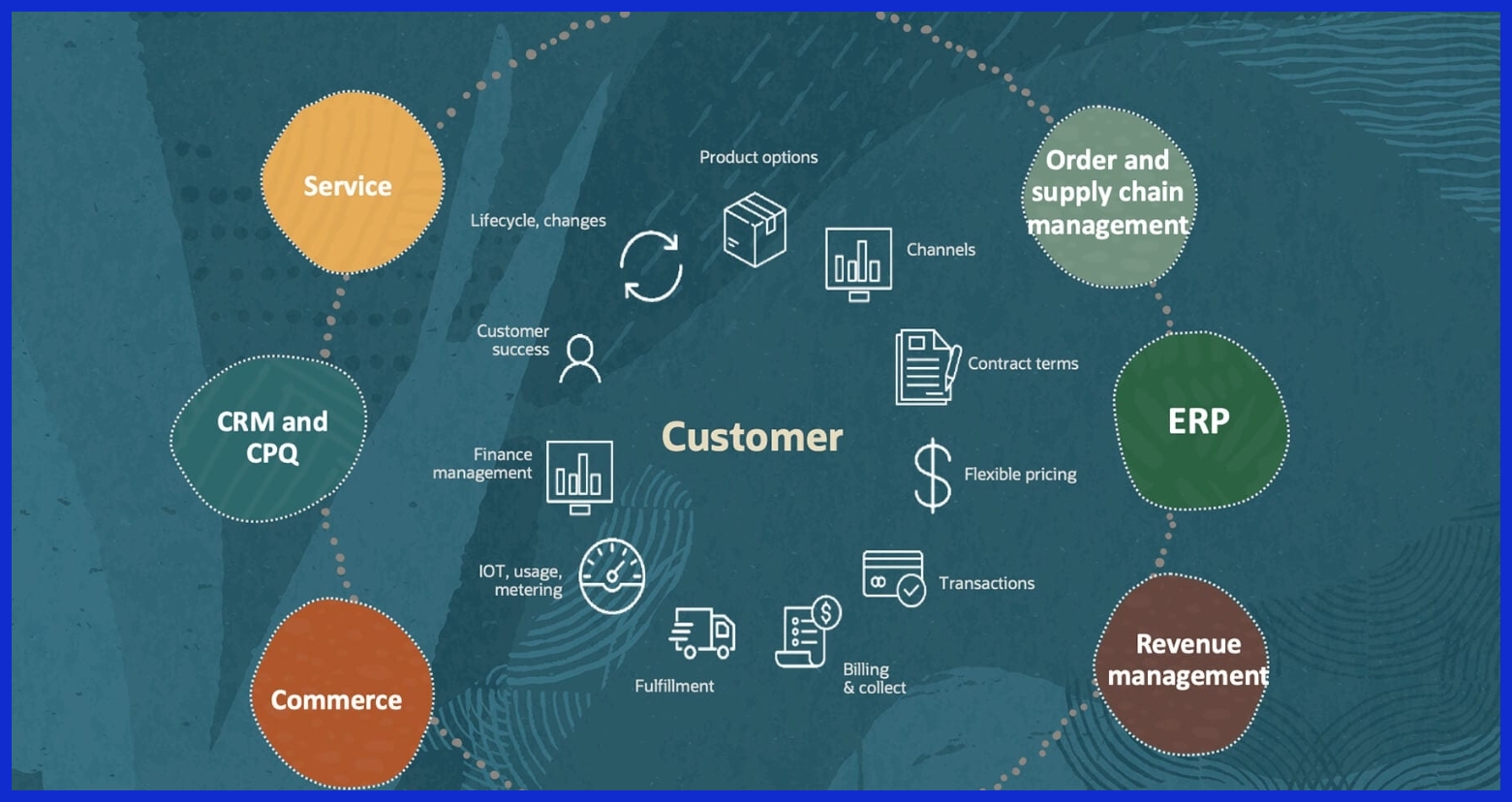
Selecting the Appropriate Design Tools
Remote creatives are your manpower in design software. Adobe Creative Cloud, Affinity Designer, Sketch, Figma, and Canva are the most popular ones and have different benefits.
When selecting the tools to subscribe to, take into consideration:
- Which workflow software do you use?
- Do you need a high-functionality one or a lighter one?
- Is there any other alternative that can be performed to perform similar things at a lower cost?
As an example, I have understood that I was subscribing to Adobe Illustrator, and most of my activities every day could have been done using Affinity Designer. The difference allowed me to economize on both money and productivity.
Facilitation of Collaboration Tools
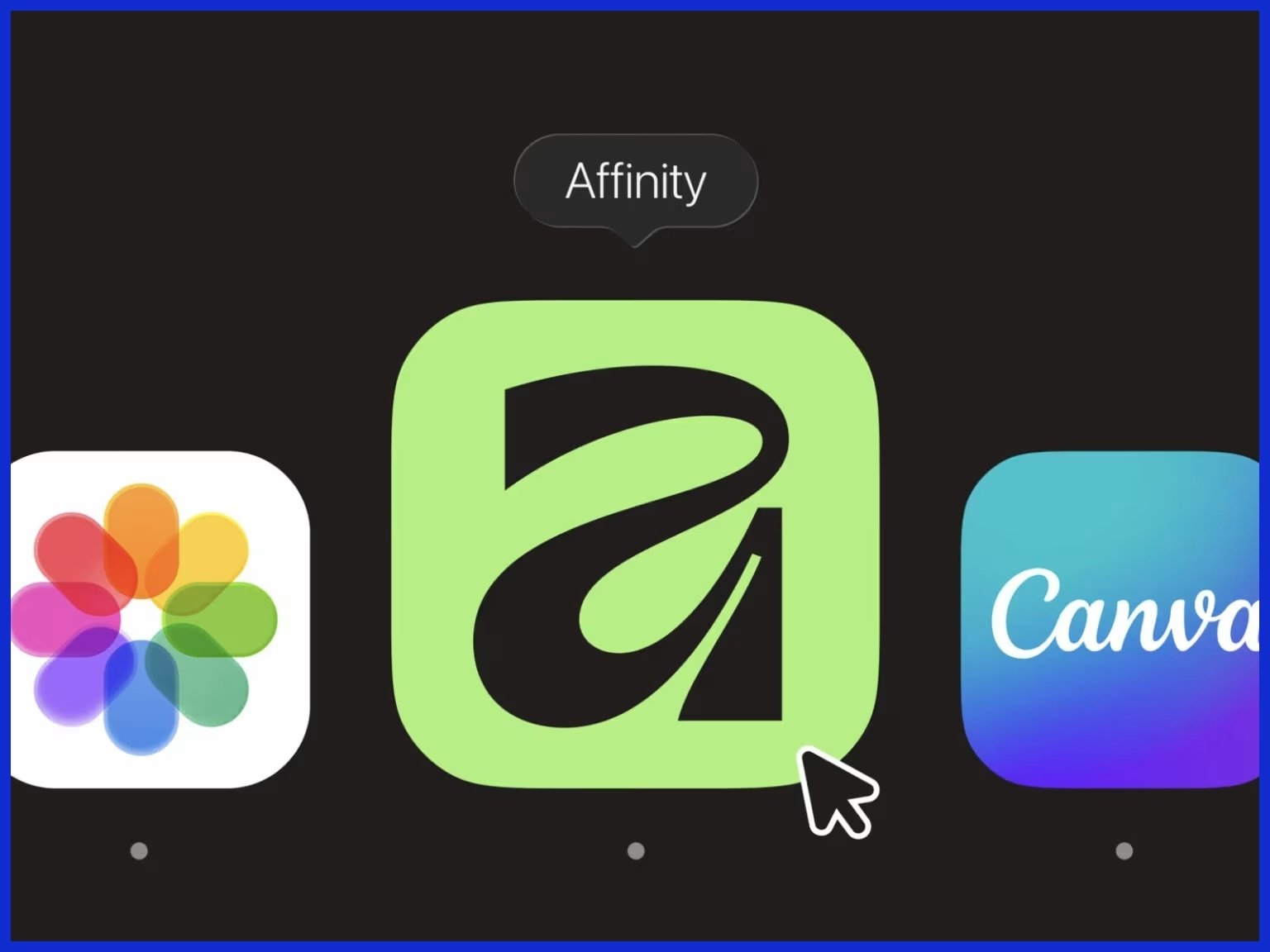
Remote teams require collaboration tools, and a lot of creatives have numerous overlap tools; Slack, Zoom, Trello, Asana, Monday.com, and more.
The key is consolidation. Establish the most valuable platform considering communication, project monitoring, and client management. The lack of tools means less time to think, so you do not see the division of concentration of your team.
An example is that I would rather stick to one project management tool that has an in-built messaging system rather than have to use several apps. The practice has simplified my work process and reduced confusion within client projects.
Cloud Storage Subscription Options
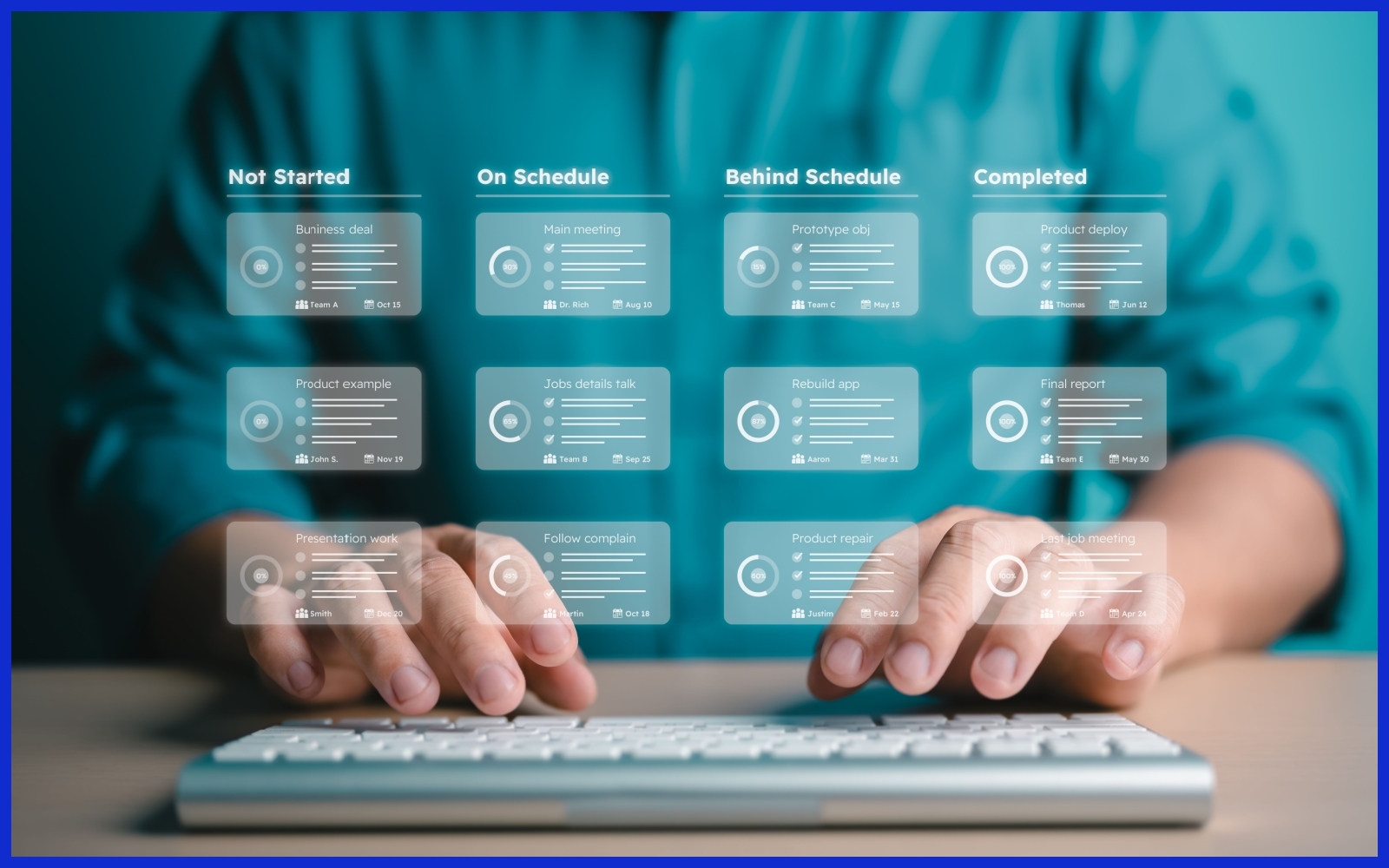
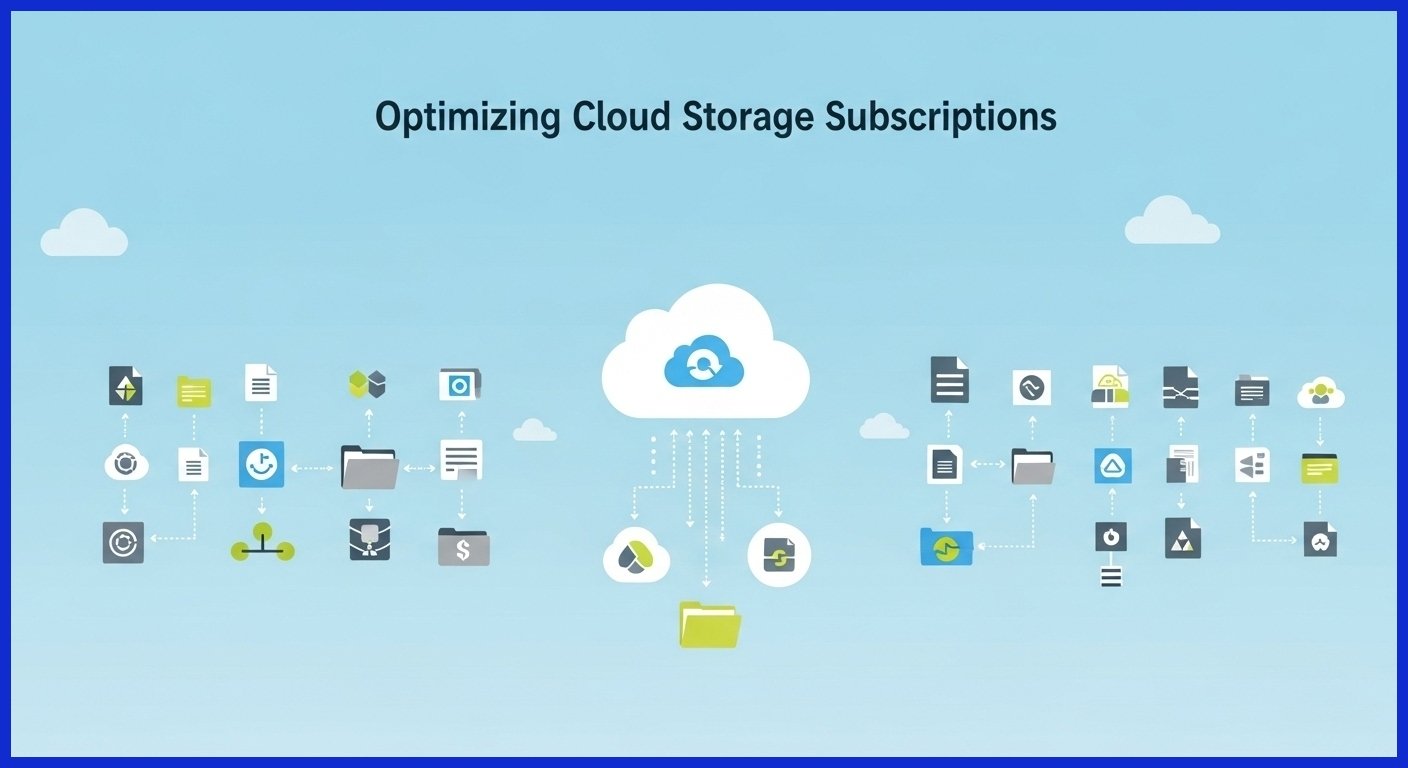
Another subcategory in which creatives tend to spend too much is cloud storage subscriptions. Storage plans are provided by Google Drive, Dropbox, OneDrive, iCloud, and Box, yet using a combination of several services can be unproductive.
We recommend that you subscribe:
- How much storage do I really require?
- Do I need groupware capabilities, or is it just plain storage that I need?
- Do I need free plans or packages?
Personally, I have discovered that using a primary cloud service with a few free options enables me to save one or two dollars and still have access to files.
The Best Niche Tools That Facilitate Creativity
In addition to mainstream software, there are niche tools that have a great capability to boost productivity. The font management software, color palette creators, icon collections, and mockup software can ease the workflow and help you be creative.
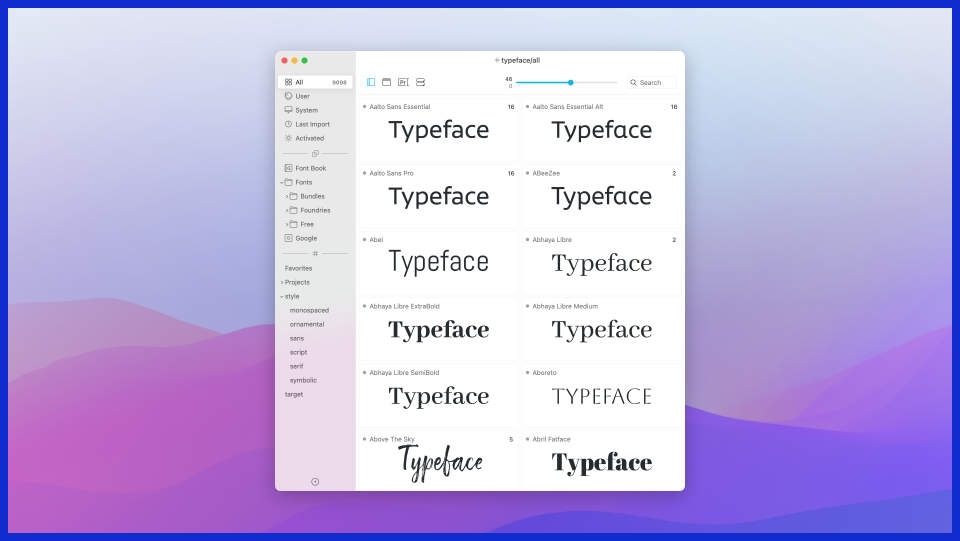
In my assessment of niche tools, I consider the following questions:
- Would this tool be critical to my existing projects?
- Is it more unique in functionality than general tools?
- Will I be able to get such outcomes with free or bundled products?
Through a critical choice of only the most useful niche subscriptions, I have been able to keep a slim set of tools that does not clutter my budget or workspace.
How to Combine Productivity Tools in Your Workflow
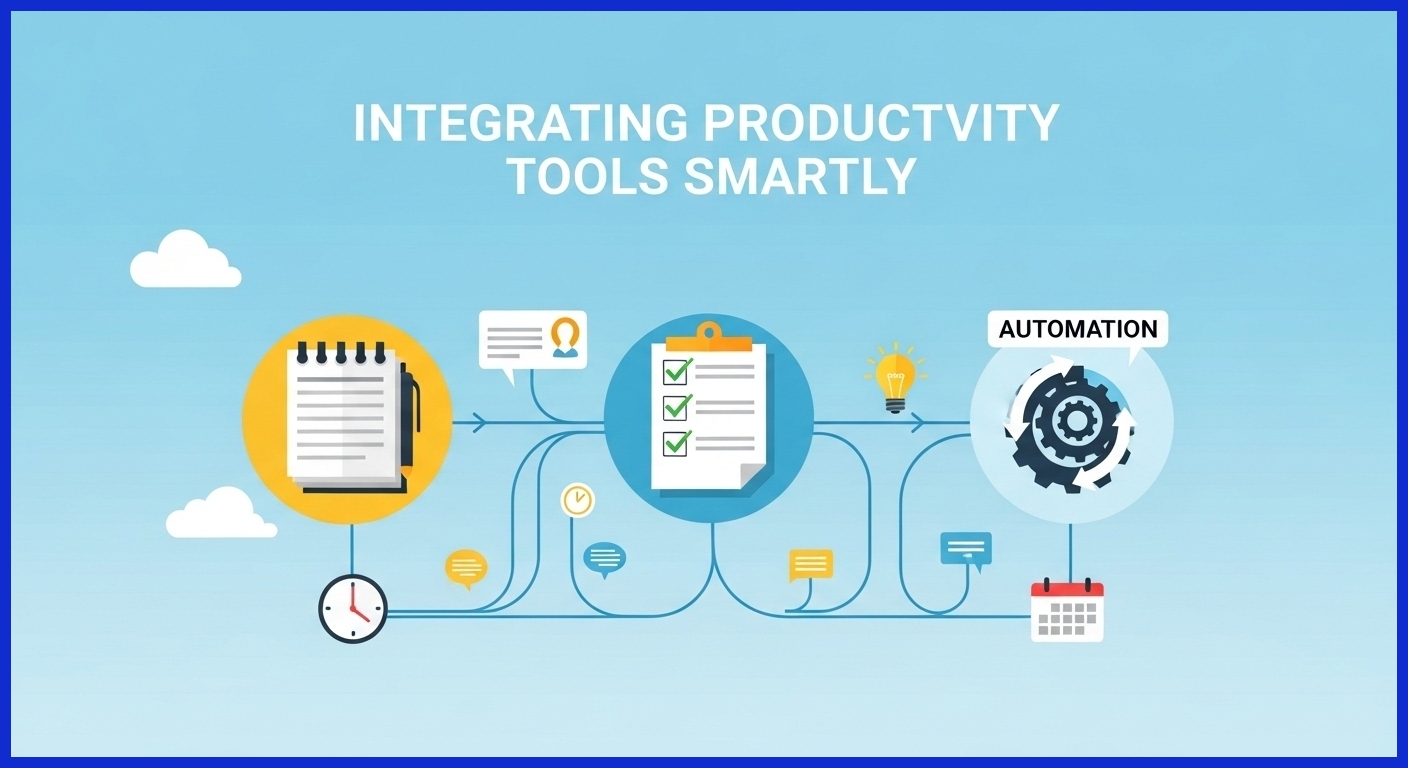
Productivity tools have not been taken into consideration when doing subscription planning. Time-tracking, note-taking, automating tasks, and focus management applications can help in becoming more efficient, but one should also be selective about which tools they include in their workflow, that is, so they do not disrupt the current workflow.
Robotic solutions such as Zapier or IFTTT, task apps such as Todoist, or note apps such as Notion or Evernote can save hours when used judiciously. It is not important to follow all the new productivity apps, but to settle on those that can actually improve your daily operations.
Using VPNs to Aid in Global Access
There are cases in which your subscriptions can be geographically restricted. Some of the resources, library of stocks, or even software functions might not be accessible in your country as they are restricted under a licensing policy. A virtual private network (VPN) can come in handy here.
With a VPN, it is possible to access geo-restricted services without causing harm. For example, ProtonVPN resellers can take advantage of ProtonVPN deals and coupons, as highlighted by VPNOverview, to access tools and resources that may otherwise be unavailable in their region. Knowing where Proton VPN has servers lets you choose a nearby connection for better speed and privacy, making it easier to use platforms fully and without unnecessary limitations. This is especially useful when working with international clients or accessing country-specific content libraries.

Comparison of Subscription Costs to Gains in Productivity
Probably one of the most significant things about subscription planning is the evaluation of whether a service can actually make you more productive. It is easy to pay more money on several apps as they appear to be handy, but it is a test to know whether they are able to save time, decrease mistakes, or enhance the output.
I could cite my experience as an example of having a stock photo service subscription, which I did not use frequently. I checked it after use, canceled it, and used free alternatives without any impact on the quality of the project. Such an evaluation has the opportunity to prioritize necessary subscriptions and reduce unnecessary expenses.

Bundled Services and Inspirational Suites
It can be better to sell bundled services or one-stop suites. Such creative suites as Adobe Creative Cloud are offered with many tools at a lower price (often lower than a single tool).
Equally, cloud systems occasionally provide storage, collaboration tools and productivity apps within a solitary plan. A close comparison of the bundle plans and the individual subscriptions can be used to optimize the functionality and the budget.
Controlling Subscription Fatigue
The problem of subscription fatigue does exist. Creatives can be flooded with constant renewal messages, updates on the apps, and various payment plans.
To overcome subscription fatigue:
- Standardize modes of payment.
- Schedule regular service refresher of important services.
- Review subscriptions related to necessity and use on a regular basis.
You can avoid a chaotic digital toolset and be more organized in subscriptions by making them purposeful and essential to reduce stress, which can be used to concentrate on real creative work.
How Free Trials Can Help
Before committing to the big jump, free trials represent a great way of testing the new tools. The free trials also help me to review different software and determine whether it can integrate into my working workflow or not.
The main features, ease of use, and compatibility with other tools should be considered as the key aspects to pay attention to as the trial goes on. In this manner, you will not be making subscriptions on a whim and will only end up spending money on tools that can have actual utility to you.
Value of Subscription Reviews
Updating subscriptions is highly important, especially to remote creatives. The reviews after every quarter or after every six months will allow you to track the services that are not utilized, abused, or out of date.
The questions that will be asked in the process of subscription review will include:
- Have I taken this service in the last three months?
- Will it make a tangible addition to my workflow?
- Are there other alternatives to these?
Proactivity enables you to optimize your toolkit, do away with duplication, and make a balanced budget.
Staying in the Know of Software Updates
The prerequisites that are regularly updated on software platforms are features, price, and geographical availability. Staying abreast would ensure that you do not lose some relevant changes that can affect the way you go about work or render one of the tools unnecessary.
Official channels would enable you to be at the forefront of things by subscribing to newsletters or joining creative communities. Through this proactiveness, it will be easy to quickly learn and also make superior decisions about subscriptions.
Compared to Agency subscriptions, freelancing is better
The agencies and the needs of the freelancers regarding subscription are different. When more affordable and multifunctional tools are preferable, freelancers will agree to work with them, and when it comes to agencies, the latter may invest in a particular software to cooperate with their team as well as customers.
The information on what the specific working process is going to happen, who you will have to work with, and what will have to be completed may also help in the estimation of what subscriptions are worth the money. The specified strategic approach will ensure that the largest amount of value is not wasted without reason.
Savings on Smart Subscription Selections
The following are some of the effective techniques for maximizing your subscriptions:
- Combine duplicated tools.
- Focus on essential features.
- Make use of free trials.
- When allowed by laws use VPNs to access all over the globe.
- Periodically review the usage and cancel unwanted services.
- Think about the package plans or plans in the form of suites.
These strategies can enable you to keep a lean product toolkit that is helpful in supporting creativity, without the wastage of resources.
Final Thoughts
Remote creative professionals need smart subscriptions. The choice of an appropriate combination of design tools, productivity applications, cloud storage, and niche software will guarantee the effective operation of the working process, as well as the maximization of the creative output.
Analyzing the usage, consolidation of services, investigating bundling, and taking advantage of VPNs where needed, remote creatives can have access to the global resources and keep the budget in check. An active, planned-out subscription strategy does more than just save you money, as it makes you more efficient and creative as a professional as a whole.
FAQs
1. How can we be able to handle several subscriptions?
Use of tracks, merging overlapping services, and frequent revisit necessity. Pay attention to the tools that fit into the workflow.
2. Will VPNs enhance the availability of creative resources?
Yes, being a responsible VPN user enables access to geo-blocked sites, enabling remote creatives to make the most of subscriptions.
3. What is the frequency of reviewing my subscriptions?
It is advisable to have quarterly reviews, although a monthly check-in will help reveal the underutilised services promptly.
4. Which is the better way between bundle and single tools?
Discount packages can be more cost-effective, particularly when you are ready to use several applications of the provider.