Table of Contents
Key Takeaways
- A strong mockup for website design turns a flat Figma screen into a believable, client-ready presentation.
- The right mockup adds context: a laptop, phone, desk scene, or lifestyle environment helps clients imagine the finished website.
- Bendito Mockup, Envato Elements, Minimal Mockups, Mr. Mockup, Unblast, Mockup Maison, and Maneken each serve a different presentation need.
- Use mockups to show responsive layouts, portfolio work, landing pages, and product experiences—not just homepage screenshots.
- Mockups save time, but the screens inside them still need polished design assets; Graphically can help designers scale that production work.
You can create an excellent website in Figma and still lose the client’s attention during presentation.
Why? Because a raw artboard does not always communicate the experience. It shows the layout, colors, and typography, but it does not show how the site feels on a real laptop, in a phone hand, or inside a polished workspace.
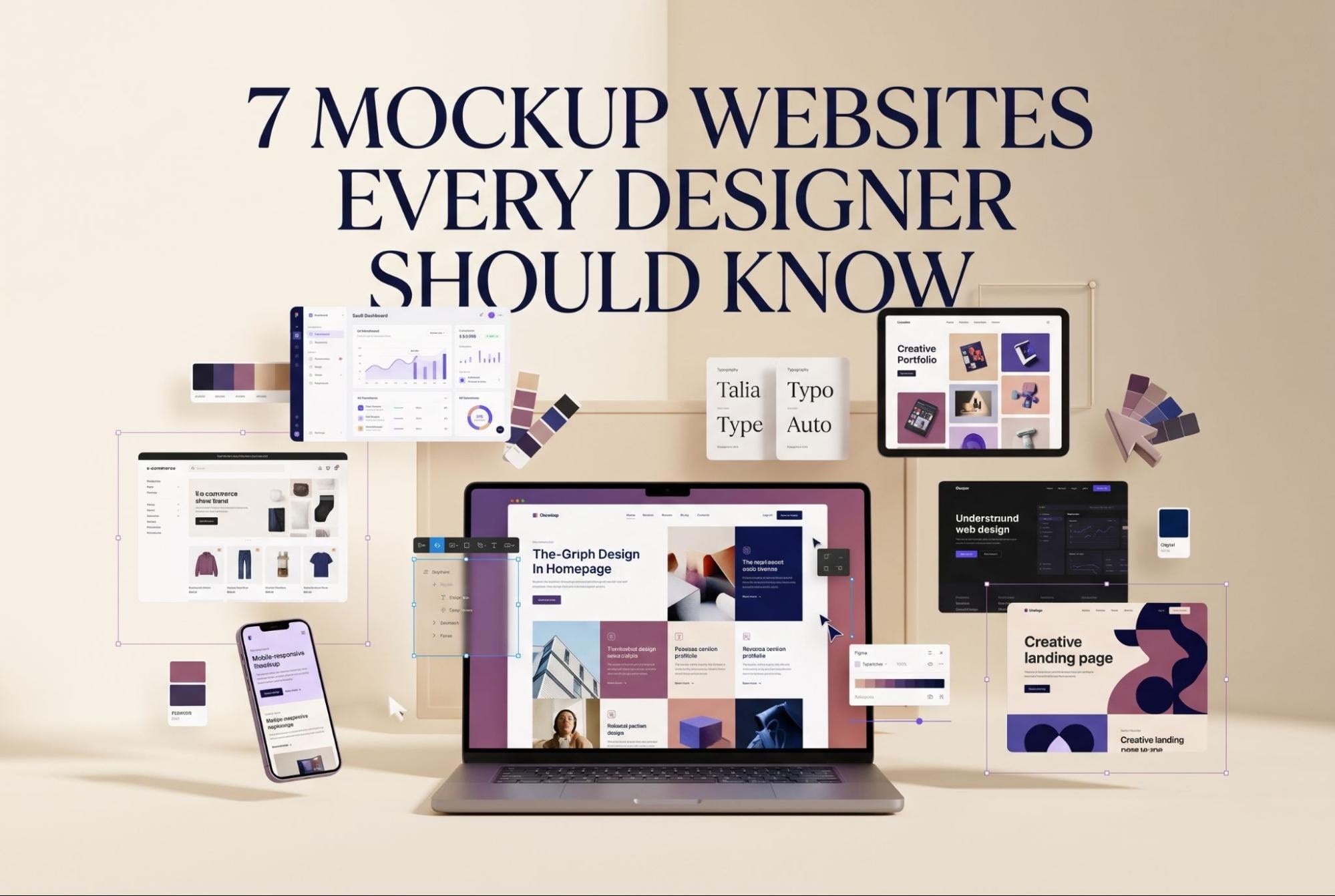
That is where a mockup for website design becomes essential. A website mockup places your design into a realistic device or scene, helping clients and stakeholders visualize the final product before development begins. It makes your work feel tangible, professional, and closer to launch.
For designers, the right mockup is more than decoration. It is a presentation tool that can make a simple landing page look premium, a SaaS dashboard look credible, and an ecommerce redesign feel ready for real customers.
Below are seven mockup websites worth knowing if you want your web design presentations to look polished without spending hours building custom 3D scenes.
Why Presentation Matters
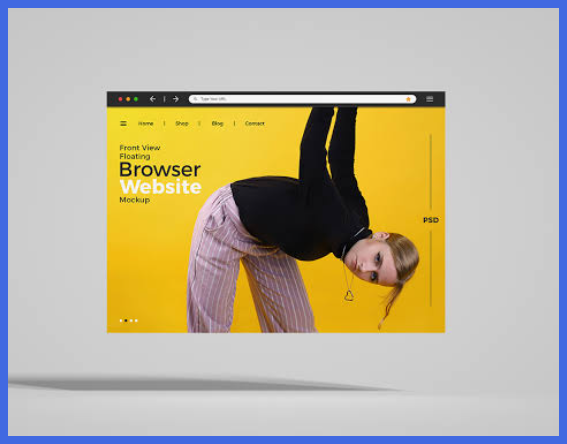
Clients do not always judge a website by its wireframe. They judge it by how clearly they can picture it working in real life.
A high-quality mockup for website design bridges that gap. It places your UI inside a believable context, such as a MacBook screen, a mobile device, or an editorial workspace.
What a good mockup does
- Shows the website in a realistic device frame.
- Helps clients understand desktop and mobile experiences.
- Makes portfolio work look more finished and intentional.
- Adds atmosphere without distracting from the interface.
- Reduces the need for custom photography or 3D rendering.
- Makes client presentations easier to understand.
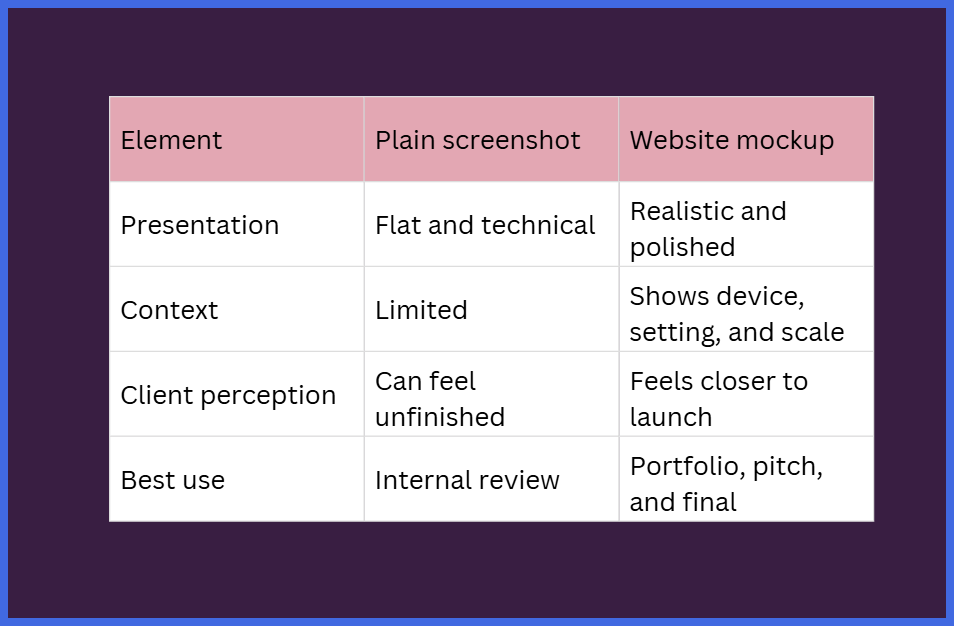
For example, a clean fintech dashboard may look strong in Figma, but placing it on a modern laptop in a minimal office scene can make it feel like a real product. Likewise, an ecommerce homepage displayed on both a laptop and smartphone immediately communicates responsive design.
Mockups versus screenshots
7 Mockup Websites to Know
1. Bendito Mockup
Best for: Trendy, editorial, and high-end lifestyle presentations.
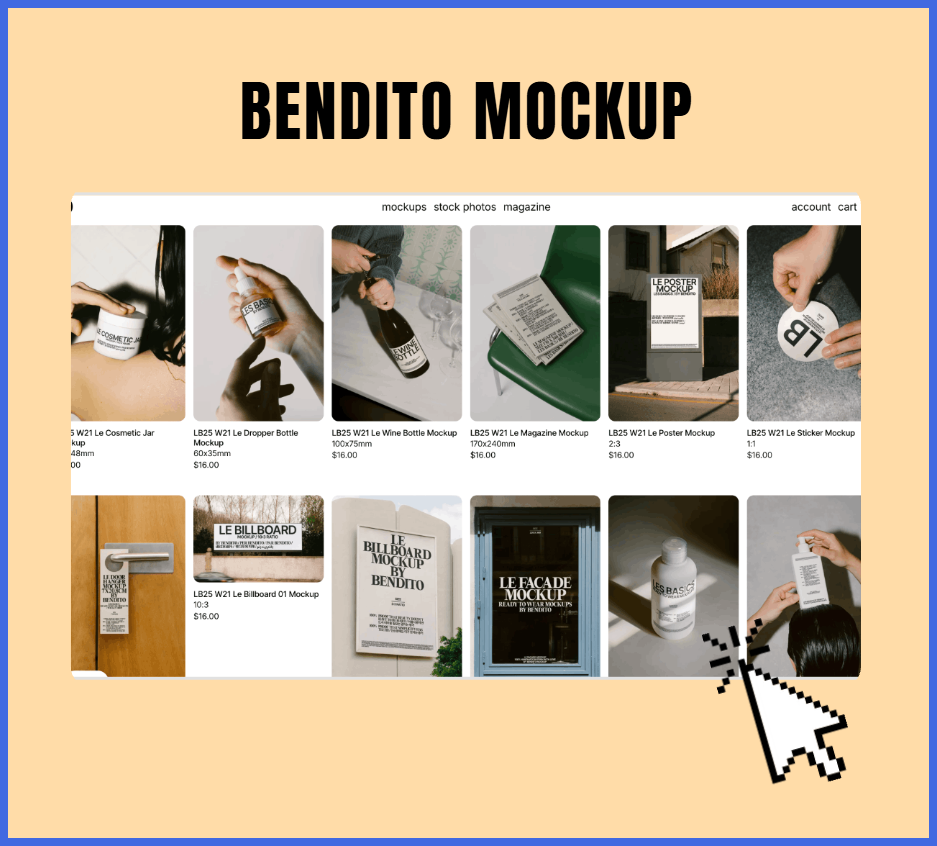
Bendito Mockup is ideal when your website needs to look like it belongs in a premium brand campaign or design magazine. Its mockups are known for stylish photography, refined lighting, and scenes that feel intentional rather than generic.
The platform describes its work as a collaboration with hand-picked photographers, with a focus on helping designers express brand personality and stand apart from common visual styles.
Use Bendito when you are presenting:
- Fashion or lifestyle ecommerce sites
- Creative agency websites
- Luxury hospitality brands
- Editorial portfolios
- Campaign landing pages
A fashion brand homepage, for instance, can look dramatically more premium when shown on a laptop in a carefully styled interior rather than on a plain white background.
2. Envato Elements
Best for: Designers who need variety, volume, and flexible licensing.
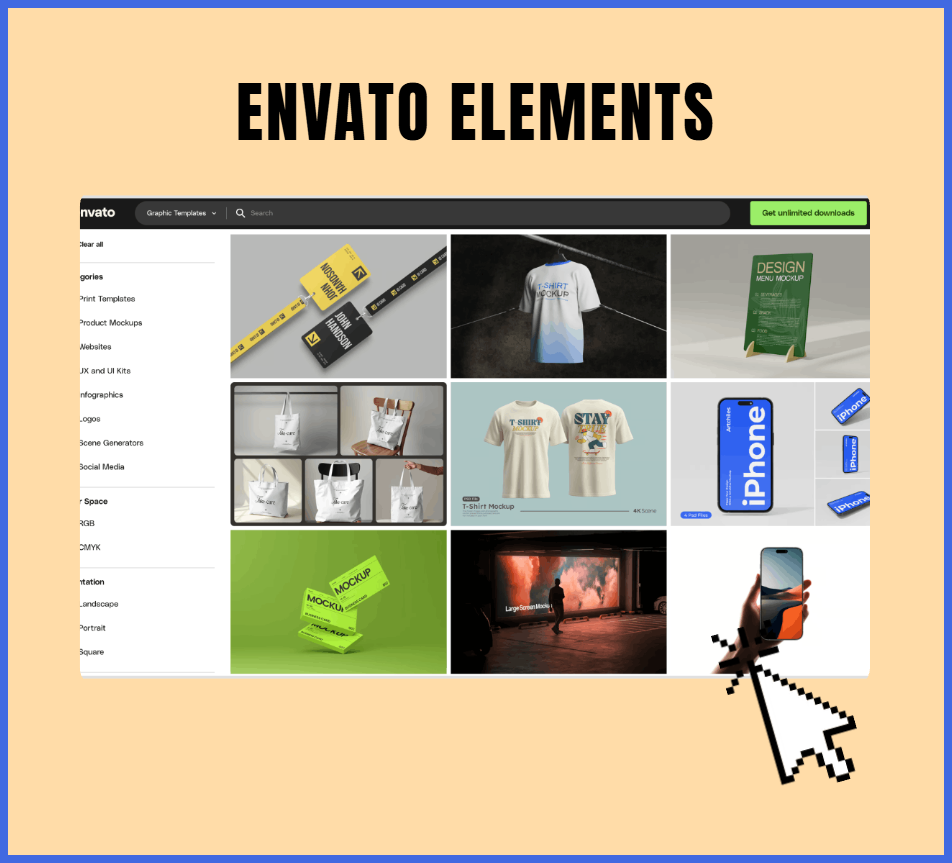
Envato Elements is the all-in-one option for designers who regularly need different device mockups. Its library includes website mockups, responsive layouts, laptop screens, mobile devices, and 3D-style presentation templates.
With an Envato subscription, you can access unlimited downloads of mockup assets and templates, which makes it useful for agencies and freelancers handling multiple client projects.
It is especially helpful when you need:
- Laptop, tablet, and phone mockups
- Responsive website presentations
- Ecommerce and landing-page scenes
- Multiple visual styles for one client
- Fast options for social media case studies
Envato also notes that many mockups use layered PSD files and smart objects, allowing designers to insert their designs while preserving realistic perspective, lighting, and shadows.
3. Minimal Mockups
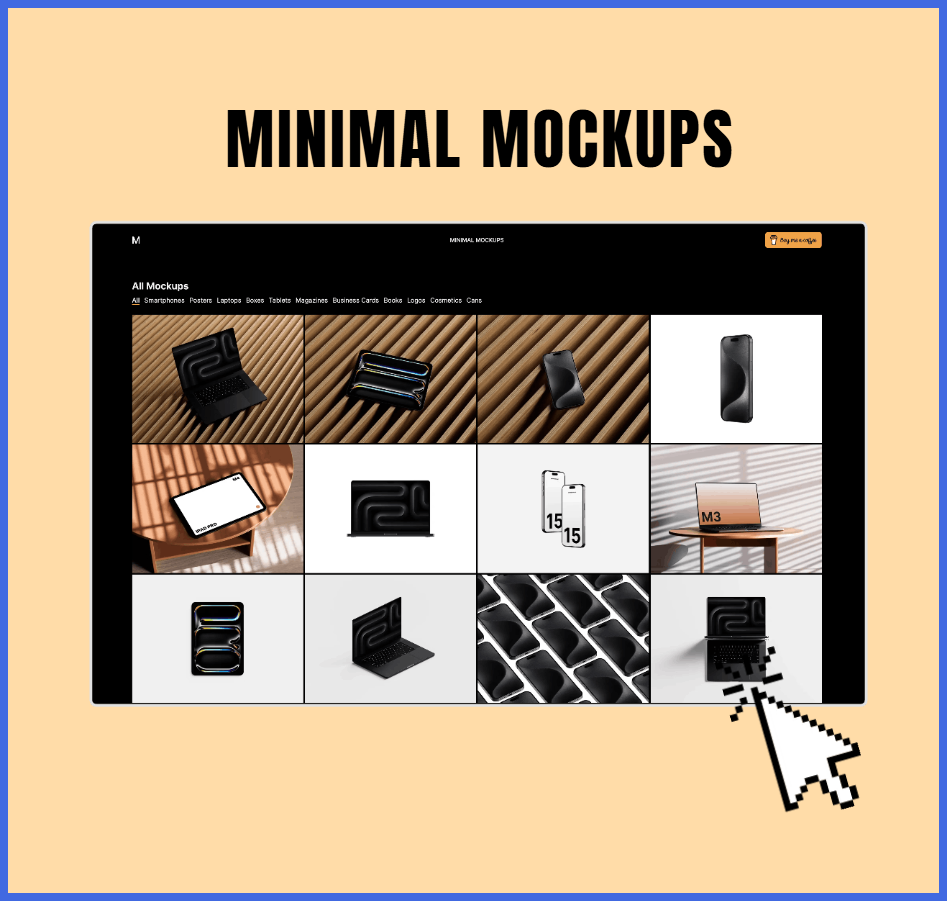
Best for: Clean, distraction-free presentations.
Minimal Mockups is the choice when the website interface should be the star. Its clean visual direction works well for modern SaaS products, portfolios, startups, and design-led brands.
Instead of placing your design in a busy room or overly styled scene, Minimal Mockups keeps the focus on the screen. This is useful when the client needs to evaluate hierarchy, spacing, typography, and user flow.
Choose this resource when:
- You are presenting a UI-heavy product.
- The brand identity is simple and modern.
- You want a portfolio that feels refined.
- You need device mockups without visual clutter.
- Your client prefers a professional, understated look.
A minimal mockup works especially well for a B2B software website. A calm background lets the dashboard, navigation, and calls to action remain easy to read.
4. Mr. Mockup
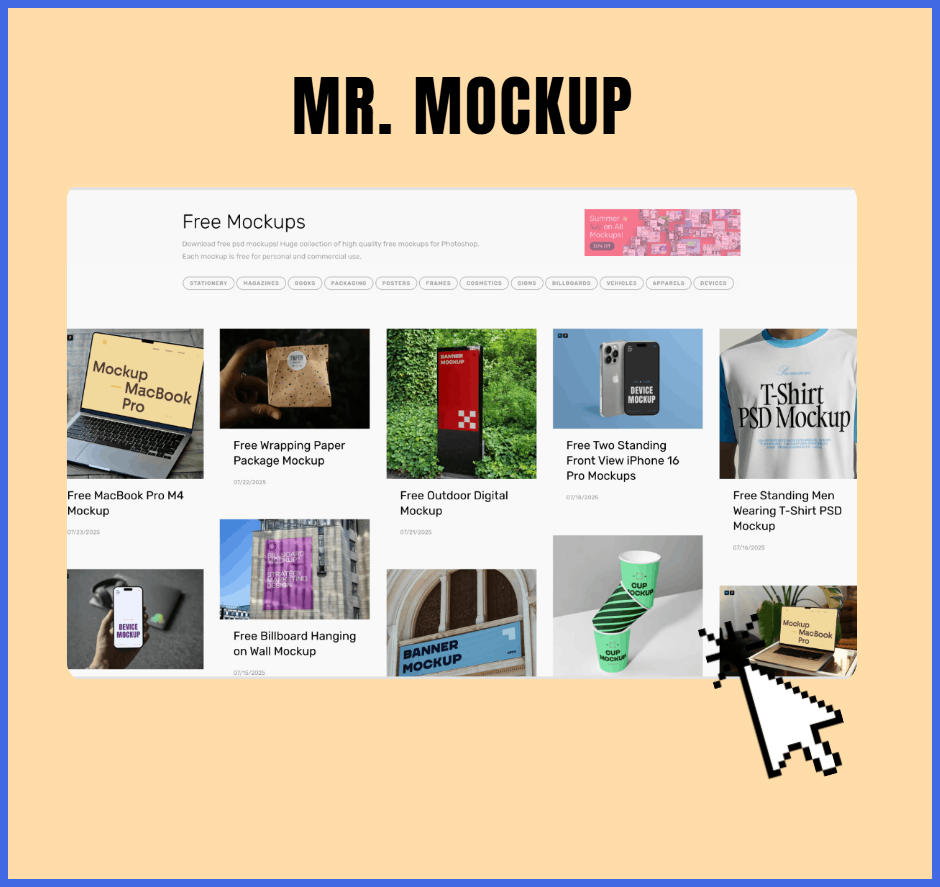
Best for: Unique, high-quality PSD mockups made for creative professionals.
Mr. Mockup is a strong option for designers who want more personality than a standard device frame. The platform offers a large collection of PSD mockups across devices, posters, packaging, signage, apparel, and scene-based presentations.
It also provides free PSD mockups, with the site stating that its free collection is available for personal and commercial use.
Mr. Mockup is useful when you want your presentation to feel crafted rather than templated. For example, a creative studio website shown on a MacBook in a café or workspace scene can feel more human and brand-specific than a basic screen crop.
Good use cases include:
- Creative agency websites
- Portfolio presentations
- Brand identity projects with a web component
- Editorial or culture-focused brands
- Design case studies for social media
5. Unblast
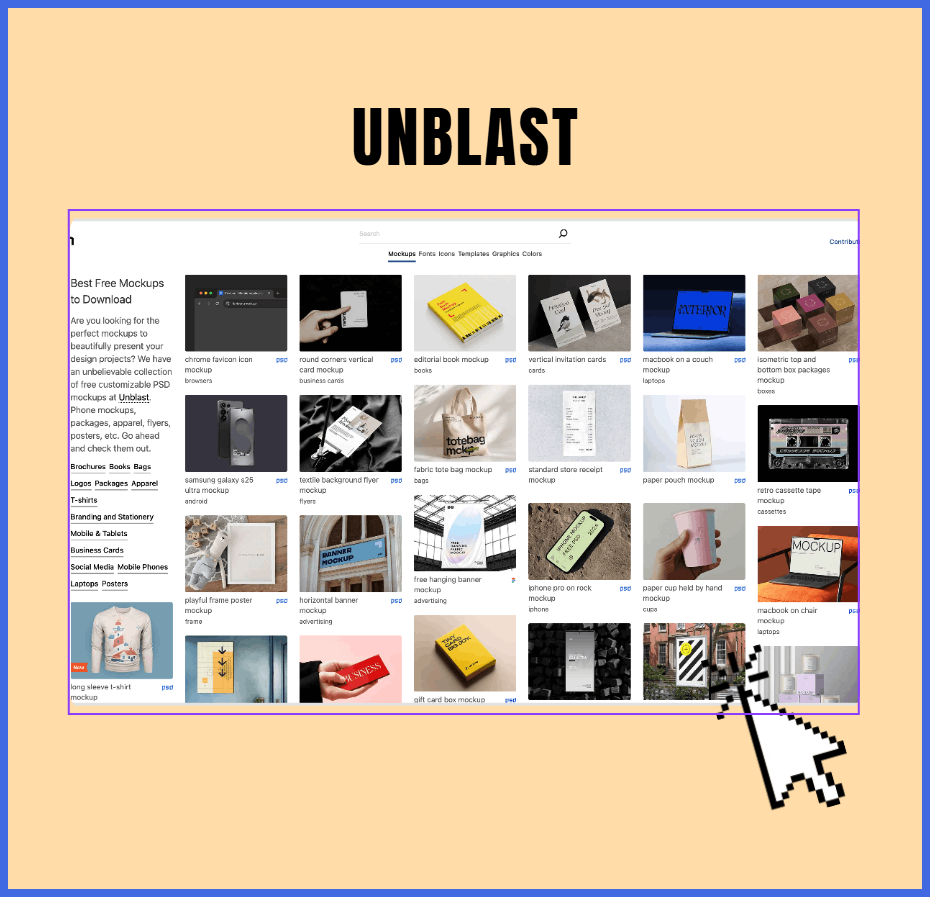
Best for: Free, editable mockups when budget matters.
Unblast is a go-to hub for designers who need premium-feeling resources without immediately paying for them. The site offers free mockups, fonts, icons, and templates, with many resources available for editing and customization.
Its website mockup section includes more than 50 free website mockups in PSD format, designed for presenting landing pages, web applications, and responsive web designs.
Unblast is particularly valuable for:
- Freelancers building a portfolio
- Students presenting school projects
- Designers testing different presentation styles
- Small businesses needing a quick client preview
- Teams creating mockups for internal approval
One important note: always check the license on each individual mockup. Unblast explains that some resources are free for both personal and commercial use, while others are limited to personal use.
6. Mockup Maison
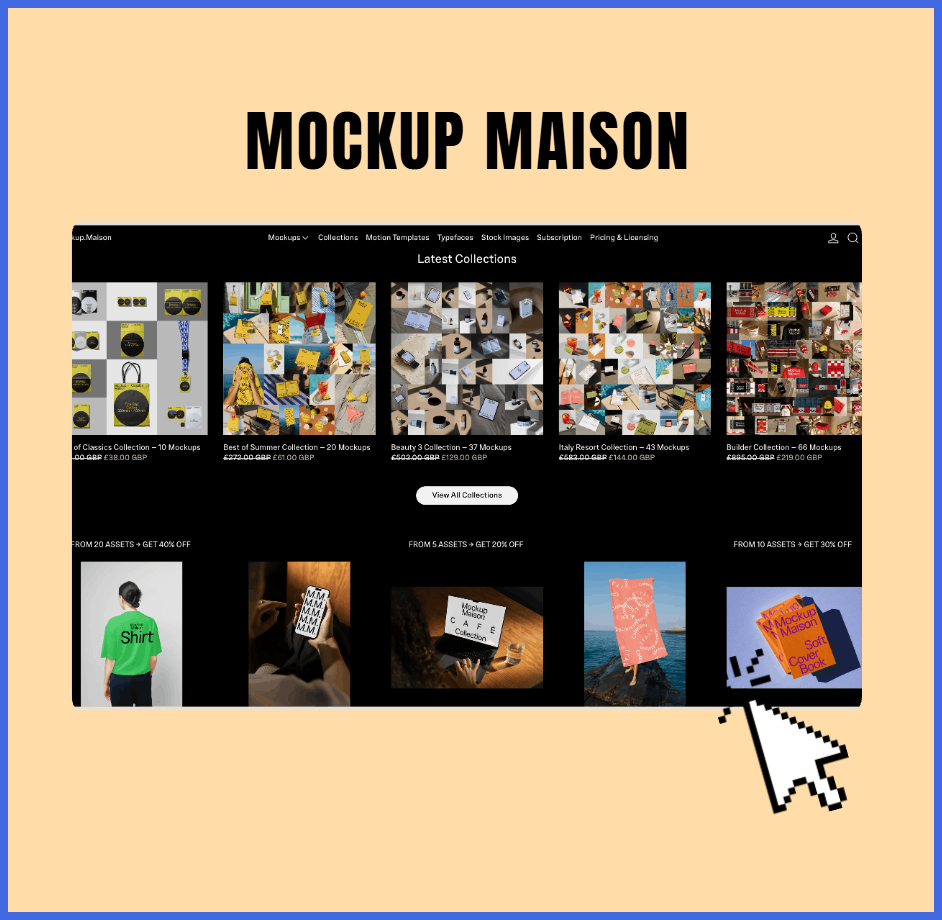
Best for: Hyper-realistic lifestyle scenes and tactile presentations.
Mockup Maison is best when you want a website to feel placed in the real world. Its strength is lifestyle-oriented environments, realistic shadows, and premium visual details that make digital work feel more physical.
This matters because clients often respond to atmosphere. A website shown in a believable workspace, café, or styled interior can create an emotional connection before the client even reads the copy.
Use Mockup Maison when presenting:
- Interior design or architecture websites
- Hospitality and travel brands
- Premium product landing pages
- Editorial publications
- Lifestyle ecommerce stores
For example, a boutique hotel website displayed on a laptop in a warm, naturally lit room can communicate comfort and luxury more effectively than a screenshot alone.
7. Maneken
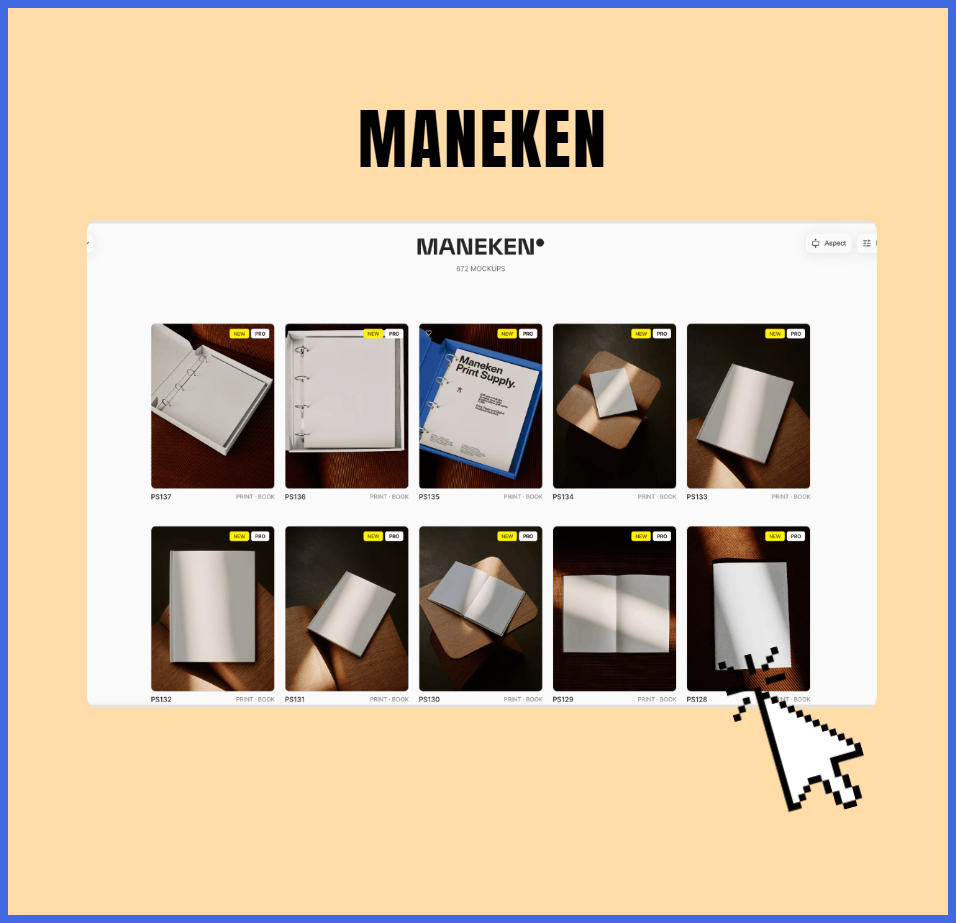
Best for: Sleek, customizable 3D device presentations.
Maneken is a strong fit for tech-forward brands and modern digital products. Its 3D device mockups give designers more control over angle, perspective, and presentation style.
This makes it useful when you need to show a website as part of a larger product ecosystem, such as a SaaS platform, mobile app, dashboard, or digital campaign.
Maneken works well for:
- SaaS and startup websites
- Product landing pages
- App and web platform presentations
- Tech brand case studies
- Investor or pitch-deck visuals
A 3D laptop mockup can make a software interface feel more dimensional and premium. It also gives you flexibility when creating presentation slides, portfolio covers, or social media visuals.
How to Choose the Right Mockup
The best mockup for website design is not always the most expensive or the most detailed one. It is the one that supports the story you are telling.
Match the mockup to the brand
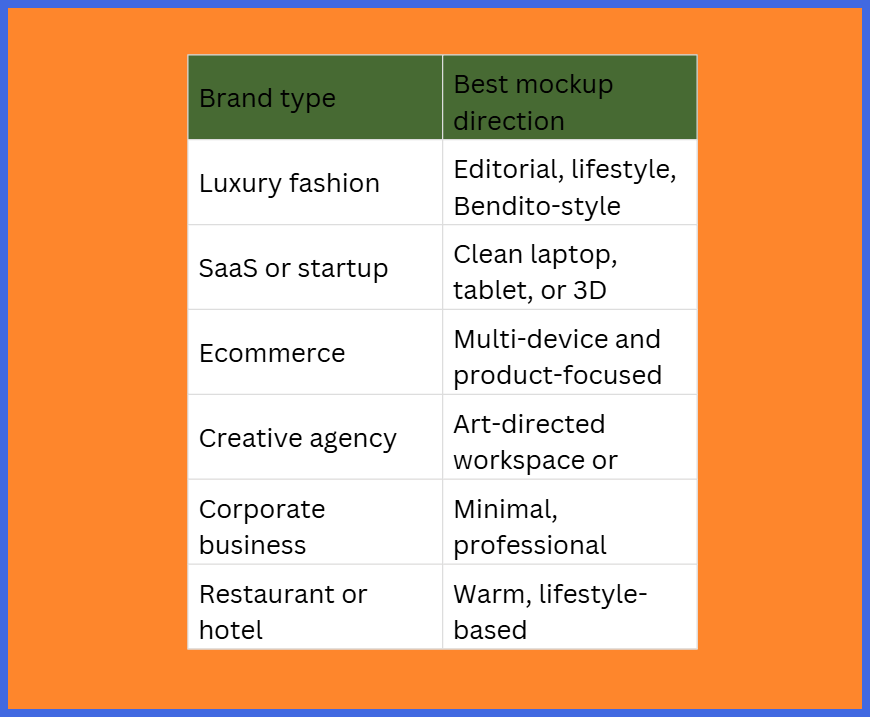
Ask yourself: Would this setting make sense for the client’s customer?
A playful children’s brand may not need a dark, ultra-minimal laptop scene. A financial platform may not benefit from a highly decorative lifestyle background. The mockup should reinforce the brand, not compete with it.
Simple Tips for Better Presentations
Keep the UI readable
A beautiful scene is useless if the website is too small, dark, or distorted. Make sure the important sections—headline, navigation, product images, and calls to action—remain visible.
Show responsive design
Clients care about how a website works on different devices. Pair a desktop mockup with a mobile version to demonstrate that the experience adapts well.
Use one visual style per project
Mixing too many mockup styles can make a portfolio feel inconsistent. Choose one visual direction for a project and reuse it across the case study, presentation deck, and social media post.
Avoid overediting
Do not add excessive shadows, reflections, or effects. A realistic mockup should look natural, not like the website is floating awkwardly in space.
Create a presentation system
Save your favorite mockups by category:
- Desktop website mockups
- Mobile-first mockups
- Multi-device responsive scenes
- Minimal portfolio mockups
- Lifestyle brand mockups
- Dark-mode presentations
This makes future client work faster and keeps your portfolio visually consistent.
Conclusion
A great mockup for website design can turn a flat Figma file into a presentation that feels polished, believable, and client-ready. The right device frame, lighting, and setting help people see not just a website, but a finished digital experience.
These seven resources give you options for every type of project: Bendito Mockup for editorial style, Envato Elements for variety, Minimal Mockups for clean presentations, Mr. Mockup for creative PSD scenes, Unblast for free resources, Mockup Maison for realistic lifestyle settings, and Maneken for modern 3D device visuals.
But mockups only show the final stage. The screens inside them still need strong visual guides, landing pages, social carousels, campaign assets, and brand graphics.
That is where Graphically comes in. You have the perfect mockup—now let Graphically handle the heavy lifting of the design work. With unlimited graphic design support, you can keep your pipeline filled with the digital assets you need, while focusing on the bigger creative picture.
FAQs
What is a mockup for website design?
A mockup for website design is a realistic visual template that places your website design inside a device or scene, such as a laptop, phone, tablet, or styled workspace. It helps clients visualize the final product.
Do I still need a mockup if I design in Figma?
Yes. Figma is excellent for designing the interface, but a mockup adds real-world context. It makes your work easier for non-designers to understand and more impressive in a portfolio.
Are free website mockups safe for client work?
Sometimes. Always read the license before using a free mockup commercially. Some files allow commercial use, while others are limited to personal projects.
Which mockup site is best for beginners?
Unblast is a great starting point because it offers free, editable mockups. Envato Elements is also useful if you need many options and plan to work on multiple client projects.
Can I use the same mockup for every project?
You can, but it is better to vary your presentation style. Different clients and industries respond to different visual settings, so build a small library of mockups that fits your usual work.
How does Graphically help designers?
Graphically provides unlimited graphic design support for the assets that fill your mockups and client presentations. This can include visual guides, social media carousels, digital assets, and other design materials that help you scale your creative output.